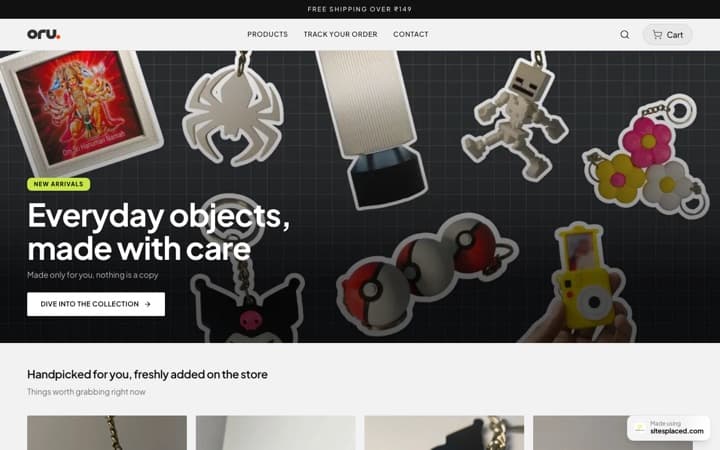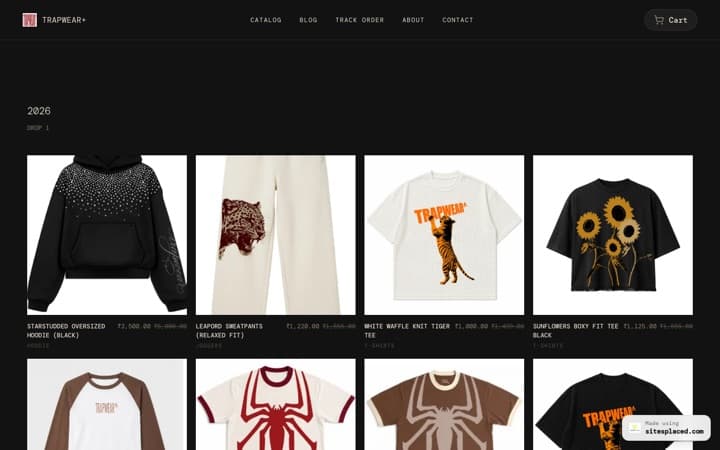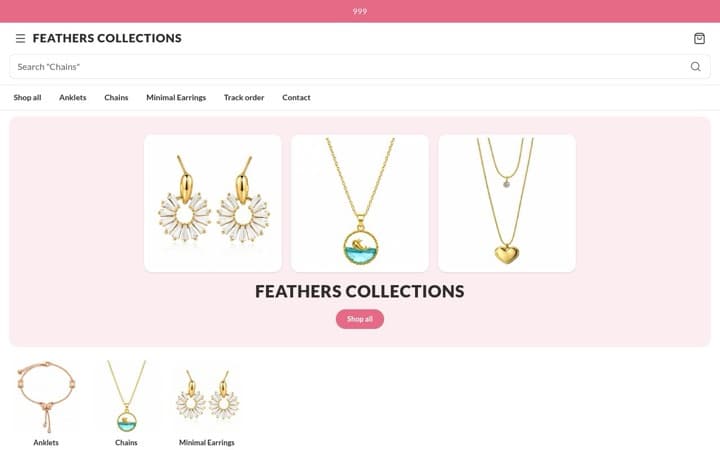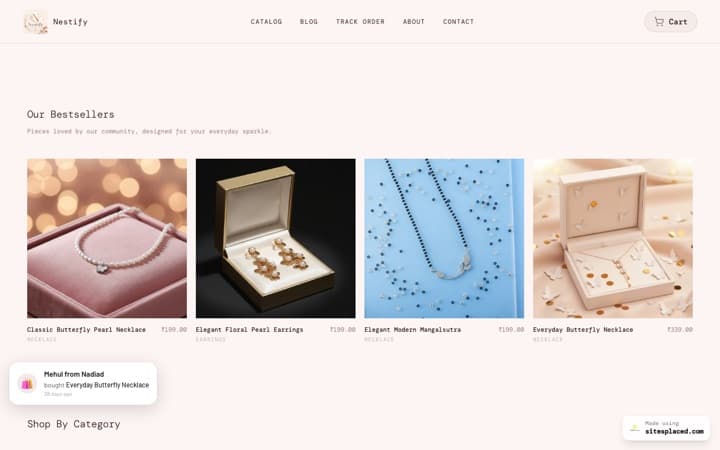



SitesPlaced now supports PhonePe — on your own account
UPI, cards, net banking and wallets at your checkout, settled straight into your own PhonePe Business account. Free plan, 0% commission.
PhonePe is now a payment option on every SitesPlaced store. You connect your ownPhonePe Business account by pasting three values from their dashboard, tick one box, and a UPI & cards option appears at checkout. Money settles to your account on PhonePe's normal schedule — SitesPlaced is never in the payment, takes no cut, and holds no PhonePe account of its own.
TL;DR
- • PhonePe joins Razorpay and Cashfree as an Indian gateway you can connect with your own account.
- • Free plan. 0% SitesPlaced commission, as with every payment method.
- • Takes UPI (from any app, not just PhonePe), cards, net banking and wallets.
- • Setup is three pasted values plus a webhook, and takes about ten minutes.
- • You can run it alongside Razorpay and Cashfree — customers pick at checkout.
Why a second Indian gateway matters
The honest reason this exists is not that Razorpay is bad. It is that gateway onboarding turns down a meaningful number of perfectly genuine small sellers — no GST registration, a proprietorship running on a personal current account, a product category someone's risk team does not like — and they do not all turn down the same people.
If your application was declined somewhere, that used to be the end of taking online payments. It is not any more. Apply to PhonePe, apply to Cashfree, and use whichever says yes.
There is a second reason worth knowing even if your first gateway approved you instantly: you can have more than one connected at a time. Each appears as its own option at checkout. If one gateway is having a bad afternoon, your store is still taking orders on the other — which is not something you can arrange after the outage starts.
What your customers get
| Payment method | How it works at checkout |
|---|---|
| UPI | Any UPI app, not only PhonePe. This is how most Indian shoppers prefer to pay. |
| Cards | Credit and debit, with the bank OTP step handled on PhonePe's page. |
| Net banking | For buyers who would rather go through their bank than type a card number. |
| Wallets | Whatever your PhonePe account has enabled — controlled in their dashboard, not ours. |
Choosing it sends the customer to PhonePe's own payment page and brings them straight back to your store with their order confirmation. Card details never touch your website, which means none of the security burden that comes with handling them lands on you.
How the order gets confirmed
This is the part most integration write-ups skip, and it is the part that decides whether you ever lose a sale to a dropped connection.
When the customer comes back from PhonePe, the store does nottake the return page's word for it. It asks PhonePe directly whether that order was really paid and whether the amount matches, and only then marks the order paid, deducts stock, sends your order email and releases any digital downloads. Nothing in a URL a customer could edit is ever treated as proof of payment.
And if the customer pays and then closes the tab before the redirect — which happens more than you would think on mobile — PhonePe's webhook tells the store anyway, the store re-checks with PhonePe the same way, and the order confirms exactly as if they had come back. Whichever arrives first wins; the other is a no-op. You get your order either way.
What connecting actually involves
- In PhonePe Business, open Developer Settings → API Keys and copy your Client ID, Client Secret and Client Version.
- In your store, open Settings → Payments & invoices and paste all three into the PhonePe card. They are checked against PhonePe before anything is saved.
- Copy the webhook URL, username and password the card shows you, and add them in PhonePe under Developer Settings → Webhooks.
- Tick 'Customers can pay with PhonePe'. The option is now live at your checkout.
Full walkthrough with the screenshots-in-words version: how to connect PhonePe to your ecommerce website.
One thing we did differently
PhonePe secures its order notifications with a username and password you type into their dashboard, rather than by signing the message itself. That pair is therefore the only thing standing between a stranger and a forged 'order paid' event.
So we do not ask you to pick one. The store generates 20 random letters and numbers for each — the longest PhonePe accepts — and you copy them across — because a password you can remember is a password someone can guess. On top of that, no payment is confirmed on the strength of that message anyway: the order is always re-read from PhonePe first. It takes two independent failures to fake a sale, not one.
Your Client Secret is encrypted before it is stored and is stripped out of every page your website sends to a browser, so it never appears in your site's source. More on that in how we handle your keys.
What it costs
The integration is on the free plan, and SitesPlaced takes 0% commission on orders — on every plan, as with every other payment method. Payment rails are never gated here, because a store that cannot take money is not a store.
PhonePe charges its own per-transaction fee, agreed with you when your account is approved. That goes to PhonePe, not to us, and we add nothing on top of it.
Frequently asked questions
Does SitesPlaced charge commission on PhonePe payments?
No. SitesPlaced takes 0% of every order on every plan, and the PhonePe integration is on the free plan. PhonePe charges its own per-transaction fee, agreed with you when your account is approved.
Where does the money go?
Into the PhonePe Business account you connect, on PhonePe's normal settlement schedule to your bank. SitesPlaced holds no PhonePe account, is never a step in the payment, and cannot delay or deduct from it.
Can I use PhonePe and Razorpay at the same time?
Yes. Connect as many as you like and each appears as its own option at checkout. Two connected gateways also means one having an outage does not stop you taking orders.
What credentials does it need?
A Client ID, Client Secret and Client Version from PhonePe Business under Developer Settings, API Keys. These are the Standard Checkout v2 credentials. The older Merchant ID and Salt Key pair will not work.
Does it work for customers outside India?
No. PhonePe settles in rupees only, and a non-rupee order is refused rather than charged the wrong amount. For overseas customers, connect Stripe or PayPal alongside it.
Build the store, then connect PhonePe
Free to publish, 0% commission, and your own gateway account. You can be taking UPI payments the same day your PhonePe account is approved.