

I tested the top website builder apps on my phone — here’s what you can actually finish
Every builder app promises a real website from the device in your pocket. So I set one rule — no laptop, thumbs only — and tried to get the same small-business site live in six of them. Three questions decided each verdict: does editing feel native or like a shrunken desktop tool, does “free” mean free or trial, and can you actually finish on the phone alone?
By SitesPlaced Founder · August 10, 2026
Full disclosure: we build SitesPlaced, one of the apps below — judge our take on it accordingly. To keep this useful, everything said about the other apps sticks to what their own listings and official docs describe, plus what any phone user can verify — and we’ve given credit where it’s genuinely due.
Wix — the best site manager, not quite a phone builder
Credit first: Wix’s mobile app is the most mature companion app in the business. Chatting with visitors, taking bookings, tweaking text and photos, watching orders — it does the running of a website brilliantly. But the famous drag-and-drop editor grew up on desktop, and the deep design work still lives there; on a phone you mostly manage a site designed on a bigger screen. The free plan is genuinely free — with Wix ads and a Wix subdomain until you upgrade.
Best if you: run your site from your phone but build it on a computer.
Shopify — phone-first for running a store, paid from day one
Shopify’s app is the standard for a reason: adding products with your camera, fulfilling orders and reading analytics on mobile all feel first-class. Storefront design on the phone is workable rather than joyful — the theme editor carries desktop DNA. The honest catch is cost: there’s no free plan, only a short trial before monthly billing, and app-store add-ons can stack on top.
Best if you: are building a catalog-heavy brand and treat software as a business expense.
GoDaddy — fast and simple, with a low ceiling
GoDaddy’s builder (with its Airo AI assistant) gets you from nothing to a presentable starter site quickly, and the mobile experience is kept deliberately simple. That simplicity is also the ceiling — deeper design changes push you toward the desktop, and expect regular nudges toward paid domains, email and marketing tools. A free tier exists; the parts most people want — a custom domain, selling — are paid.
Best if you: already keep your domains at GoDaddy and want a fast, acceptable result.
Squarespace — the design king, happiest on a laptop
Squarespace still makes the best-looking templates in the industry, and its app is a polished way to edit an existing site, post to a blog and check analytics from your phone. But there’s no permanent free plan — a trial, then paid — and the design-forward building Squarespace is loved for rewards a big screen. As a phone-only builder it’s the hardest sell here.
Best if you: care most about design polish and will finish setup on a computer.
Canva — the gentlest on-ramp, for one page
If you already design your Instagram posts in Canva, its website feature is the friendliest editor in this list — same tools, same muscle memory, and you can publish a one-page site free on a canva.site address. The limit is structural: it’s a page, not a platform. There’s no native cart or checkout, so selling means linking out to something else, and multi-page business sites aren’t really the point.
Best if you: need a beautiful one-page, link-in-bio-style site today.
SitesPlaced — ours, built for exactly this test
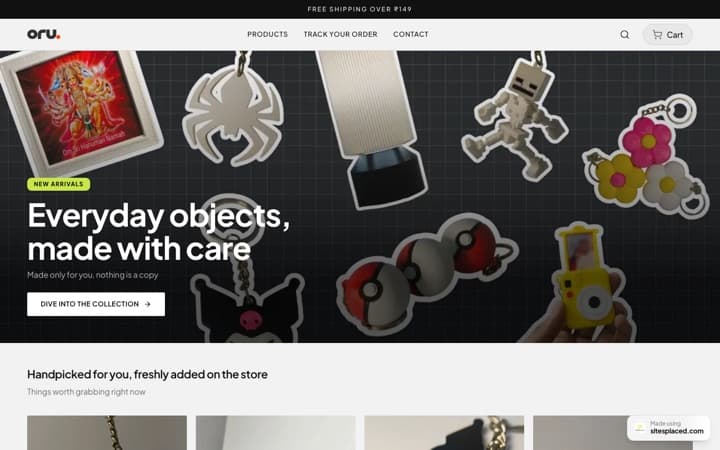
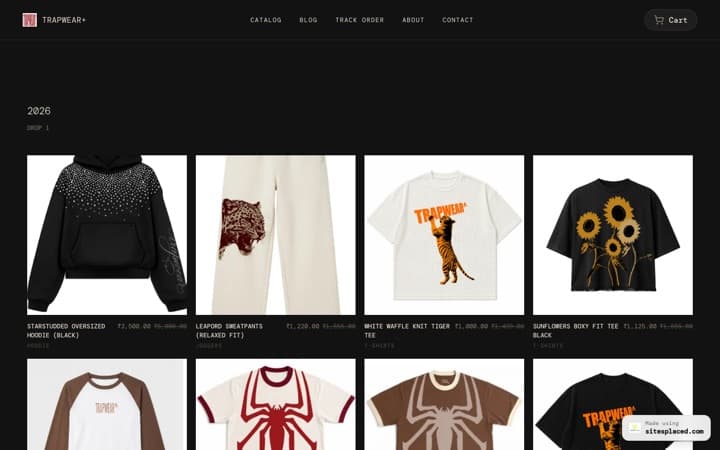
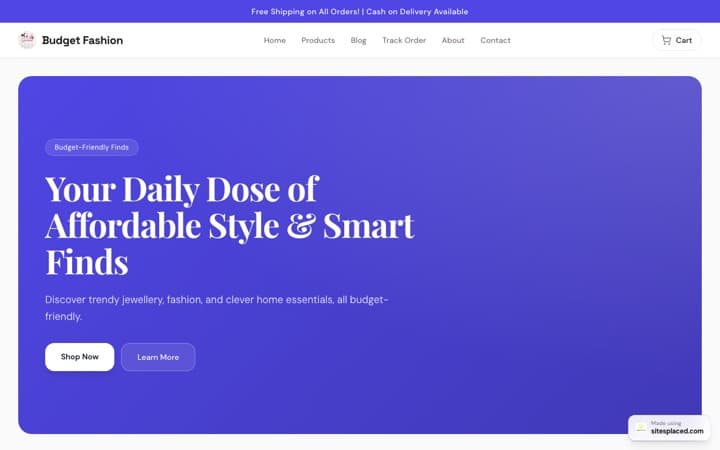
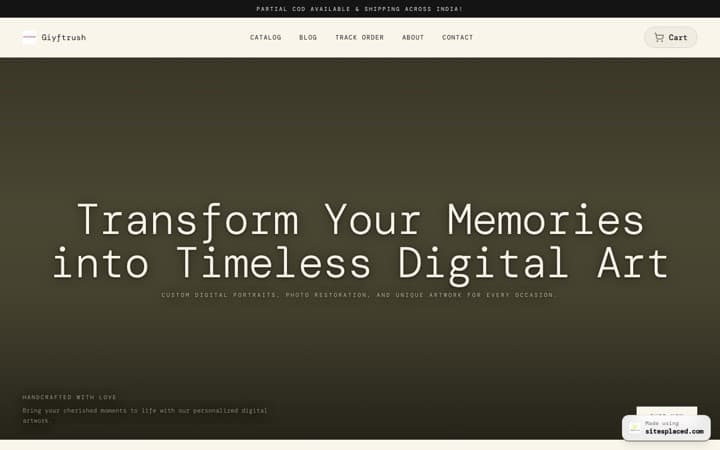
This is the one I can narrate from the inside — we built it because of this test. Phone builds fail when an app hands you a miniaturised desktop canvas; phones are reviewing devices, not assembly benches. So SitesPlaced generates the site: describe your business in a sentence — or paste an Instagram handle — and a finished draft appears with design, sections and copy. Editing is tapping form fields, so nothing can overlap or break. Stores are native (UPI, COD and WhatsApp checkout at 0% commission), and the Android app adds camera product uploads plus a push notification the second an order lands.
Honest limits: the native app is Android-only for now (iOS is coming; the full builder runs in any phone browser meanwhile), and if you want pixel-level design control, a canvas builder on a desktop gives you more. Publishing is free with a small badge — you pay only for a custom domain and badge removal, from ₹199/month for a website or ₹499/month for a store.
Best if you: want to go from idea to published site entirely on the phone in your hand.
The six apps, side by side
| App | Editing on a phone | Free tier honesty | Selling | Best if you want… |
|---|---|---|---|---|
| SitesPlaced | Form fields — AI builds, you review | Publish free (small badge) | UPI, COD, WhatsApp, 0% commission | Doing the whole thing on a phone |
| Wix | Great for running, lighter for designing | Real free plan (Wix ads + subdomain) | Paid plan required | Managing a desktop-designed site |
| Shopify | Superb store management on mobile | Short trial, then paid monthly | Best-in-class, at a monthly cost | Catalog-heavy brands with budget |
| GoDaddy | Simple, with a low ceiling | Free tier; useful parts are paid | Paid ecommerce plans | Fast, acceptable, brand-name result |
| Squarespace | Polished editing of existing sites | Trial only — no permanent free plan | Commerce plans cost more | Design-first sites finished on desktop |
| Canva | Familiar if you live in Canva | Free one-page publish (canva.site) | No native checkout — link out | A beautiful one-page site today |
Competitor details reflect public listings and official documentation as of August 2026 and can change — confirm current plans on each provider’s site.
The pattern, once you see it
Every app here is good — the question is where the building happens. Wix, Squarespace and Shopify treat the phone as a brilliant companion to a desktop-built site; Canva wins the single beautiful page. But if the phone is the only computer you want to use, the tools that generatethe site — and reduce your job to reviewing it — are the ones you’ll actually finish with. That’s the whole argument of our website builder app page, and the honest answer to whether you can really build a website from your phone.
Frequently asked questions
What is the best website builder app in 2026?
It depends on where the work happens. To build and run everything from your phone, a generation-first app like SitesPlaced works best — AI assembles the site from a description or your Instagram, so you review instead of drag-and-drop. If the phone is a companion to a desktop-built site, the Wix and Squarespace apps are polished managers; for catalog-heavy commerce with a budget, Shopify's mobile app is the standard.
Can you build a complete website using only an app?
Yes — but mostly with tools that generate the site for you. Miniaturised drag-and-drop editors are hard to finish on a 6-inch screen. Generation-first apps flip the work: AI produces a finished draft and your phone is only used for reviewing text, swapping photos and publishing — jobs phones are genuinely good at.
Which website builder apps are actually free?
Read the free tiers carefully. Wix has a real free plan with Wix ads and a subdomain. Canva publishes a one-page site free on a canva.site address. Squarespace and Shopify are trials, not free plans. SitesPlaced lets you build and publish a full site or store free with a small badge — you only pay for a custom domain and badge removal, from ₹199/month ($7.99).
Do I need to download an app, or does the mobile browser work?
Most builders push you to their app, but SitesPlaced's full builder also runs in any phone browser — useful on iPhone while the iOS app is still coming. The native Android app on Google Play adds camera product uploads, order management and a push notification the moment someone buys.
Run the test yourself — it’s free
Describe your business or paste your Instagram handle from the phone you’re holding. Review the site the AI builds, publish free, and only pay if you ever want your own domain.
Free on Android; iOS coming soon. The full builder works in any mobile browser.