
Can you really build a website from your phone?
By SitesPlaced Founder · August 10, 2026
Yes — in 2026 you can build and publish a real website entirely from your phone, free. The nuance: it works because AI now does the assembling. Describe your business — or paste your Instagram handle — into a generation-first builder, and a finished site appears for you to review, tweak and publish. What phones do well: generating, editing text and photos, managing orders. What still favours a laptop: pixel-level design control and long-form writing. Both routes — mobile browser and native Android app — get you live in minutes.
Why the answer changed from “not really” to “yes”
For a decade the honest answer was “technically, but you’ll hate it.” Website builders were drag-and-drop canvases designed for a mouse and a monitor; squeezed onto a 6-inch screen, they turned every edit into pinch-zoom surgery, and most phone builds died half-finished. When we tested the major builder apps on a phone, that pattern held: the classic apps are superb at running a site and strained at designing one.
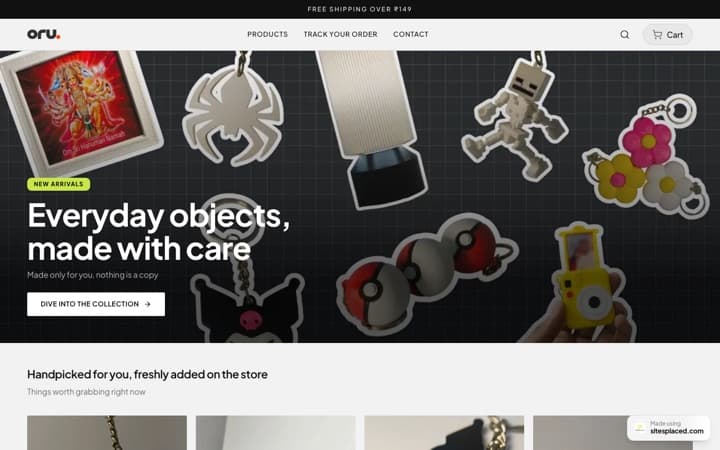
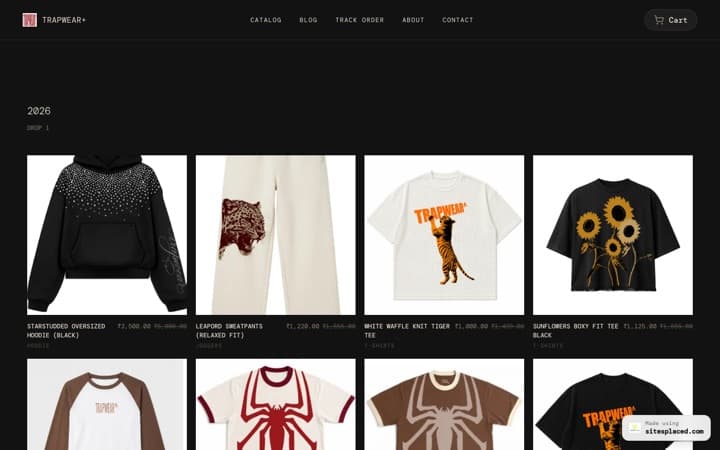
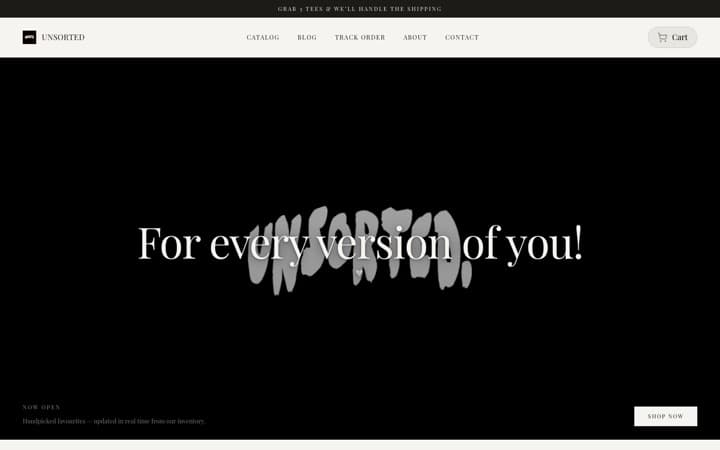
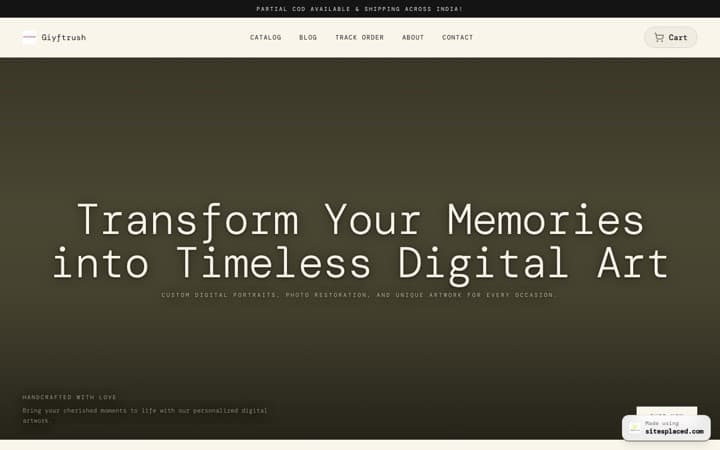
What changed is who does the assembling. Generation-first builders take a sentence — “I bake custom cakes in Jaipur” — or a public Instagram profile, and produce a complete draft: design system, sections, headlines, image slots. Reviewing a finished site is something a phone is genuinely good at. Assembling one never was.
What works well on a phone
- • Generating the site. Typing one sentence, or pasting an Instagram handle, is a phone-native action — and it replaces the entire design phase.
- • Editing text and photos. Tap a field, retype a headline; tap an image, pick from the camera roll — where your business photos already live.
- • Running a store. Adding products with the camera, updating prices and stock, moving orders through packed → shipped → delivered, and getting a push notification the second someone buys.
- • Publishing. Going live (or making changes live) is one tap from anywhere — the metro, the market, the kitchen.
What still favours a laptop — honestly
A phone is not the best tool for everything, and pretending otherwise helps nobody. Pixel-level layout work in canvas editors wants a big screen and a cursor. Writing a 2,000-word services page is nicer with a real keyboard. Bulk work — uploading fifty products from a spreadsheet, reorganising a large catalog — and custom code snippets are laptop jobs too. None of these block a typical small-business site, and because your account is the same everywhere, the practical pattern is: start and publish from the phone, polish from a laptop if and when you feel like it.
The two routes: mobile browser or native app
Route 1 — the browser. The full builder runs in Chrome or Safari on any phone, iPhone included, with nothing to install. This is the fastest way to test the claim in this headline — our step-by-step phone guide walks the whole flow.
Route 2 — the app. The SitesPlaced app, free on Google Play (Android now, iOS coming), makes it native: a touch-first editor with live preview, camera product uploads, order management and push notifications for sales. Same account as the web, so sites sync both ways. For how the app stacks up against Wix, Shopify and the rest, see the website builder app comparison.
Get it on Google PlayThe 5-step version
Open a builder in your phone's browser
No download needed — sitesplaced.com works in Chrome or Safari. On Android you can grab the native app from Google Play instead.
Describe your site — or paste your Instagram
One sentence about your business, or your Instagram handle. This replaces the part of website building that's genuinely hard on a phone.
Let AI generate the first draft
Design, sections, headlines and image slots arrive as a finished site — your job becomes reviewing, not assembling.
Edit with taps
Tap text to rewrite it, tap images to swap in photos from your camera roll. Form fields, not a canvas — nothing can break.
Publish free
Live on yourname.sitesplaced.com with a small badge. Pay later only if you want a custom domain or the badge gone.
Publishing is free with a small badge; the only paid step, ever, is a custom domain plus badge removal from ₹199/month. Selling from your phone-built site — UPI, COD and WhatsApp checkout at 0% commission — is part of the free tier too; Indian sellers should also read the best apps to sell products online in India.
Frequently asked questions
Can you really build a website from your phone?
Yes. In 2026 you can go from nothing to a live, real website using only a phone — but the method matters. Miniaturised drag-and-drop editors are still painful on a small screen; generation-first builders like SitesPlaced work because AI assembles the site from your description or Instagram profile and your phone is only used for reviewing text, swapping photos and publishing.
Is building a website on a phone free?
It can be genuinely free, not trial-free. On SitesPlaced you build and publish from your phone at no cost — including a full store with UPI, COD and WhatsApp checkout at 0% commission — on a yourname.sitesplaced.com address with a small badge. You only ever pay for a custom domain and badge removal, from ₹199/month ($7.99).
Do I need to download an app to build a website on my phone?
No. The full SitesPlaced builder runs in any mobile browser — which is also the iPhone route while the iOS app is still coming. The native Android app, free on Google Play, adds a touch-first editor, camera product uploads, order management and a push notification the moment someone buys.
Will a website built on a phone look bad on a computer?
No. On modern builders you edit content, not pixels — the design system lays the site out for every screen size automatically. A site built entirely on a phone renders just as sharply on a desktop monitor, because you were never positioning elements by hand in the first place.
What can't you do well on a phone?
Heavy customisation is still laptop territory: pixel-level layout work in canvas editors, writing very long pages, bulk product uploads from spreadsheets, and custom code. None of these block a typical small-business site — and since your phone and laptop share one account, you can start on one and polish on the other.
Test it right now — you’re already on the right device
Describe your business or paste your Instagram handle. Five minutes from now you can have a real website, published free, built entirely from the phone you’re reading this on.
No card required. Works in any mobile browser; the Android app is free on Google Play.