


How to connect WhatsApp Business API to your ecommerce website
The three values you need from Meta, why your first message will be rejected, and what it actually costs per order.
The short version: create an app in Meta's developer console, get a Phone Number ID, a WhatsApp Business Account ID and a permanent access token, and connect them to your store. Then the part that surprises everyone: you cannot send whatever you like. Business-initiated messages must use templates Meta has approved in advance.
TL;DR
- • Three values from Meta: Phone Number ID, WABA ID and a permanent access token.
- • The number must not be on the normal WhatsApp app — the API takes it over.
- • Every business-initiated message needs a pre-approved template.
- • Templates are approved per language and can be rejected for tone.
- • Meta charges per conversation. Utility messages are cheap but not free.
Step 1 — What you actually need
The WhatsApp Business API is a different product from the WhatsApp Business app on your phone. The app is free and manual; the API is programmatic and billed. You need the API for automated order alerts.
Set up an app in Meta's developer console, add the WhatsApp product, and collect three things: the Phone Number ID, the WhatsApp Business Account (WABA) ID, and a permanent access token.
Do not use the temporary token. Meta's API setup screen shows a token that expires in 24 hours, and it works perfectly — until tomorrow. Generate a permanent token from a System User instead. This is the single most common reason a WhatsApp integration works on the day it is set up and is broken the next morning.
Step 2 — The number gets taken over
A phone number can be on the WhatsApp app or on the API, never both. Registering a number for the API removes it from the app on your phone.
So do not use the number you currently answer customers on unless you genuinely intend to move everything to the API. Most stores use a second number for automated alerts and keep the human conversation on the app.
If you just want to try it, Meta gives you a free test number that can message a handful of verified recipients. It is the right way to see the whole thing work before committing your real number.
Step 3 — Templates, and why your first send fails
This is the concept that catches everyone. You cannot send a customer an arbitrary message. Anything your business initiates must use a template approved by Meta in advance.
You submit the template with placeholders — order number, customer name, total — and Meta reviews it. Approval takes anywhere from minutes to a day, and templates get rejected for being too promotional, for bad grammar, or for placeholders that could read as spam.
Templates are also approved per language. An English template does not let you send the Hindi version.
Two templates cover the useful ground: one alerting you that an order came in, and one confirming the order to the customer. Both are order-related, so they qualify as utility messages rather than marketing — which matters for both approval and price.
Step 4 — What it costs
Meta bills per conversation, not per message, in 24-hour windows, and the rate depends on category and country. Utility conversations — order confirmations, shipping updates — are the cheap tier. Marketing is the expensive one.
For a store doing a few hundred orders a month this is small money, but it is not zero, and it is billed by Meta directly rather than by your store platform. Budget for it rather than being surprised.
What it actually buys you
Email order confirmations get ignored and go to spam. A WhatsApp message from a business number is opened. For an Indian store that difference is worth real money in reduced 'where is my order' messages alone.
On SitesPlaced this is on the ₹499/month Growth plan, you bring your own Meta credentials, the two templates are created for you, and messages are queued and retried rather than fired once and lost. SitesPlaced still takes 0% of your sales.
If you do not have the website yet
Everything above assumes you already have a store to put WhatsApp order alerts on.
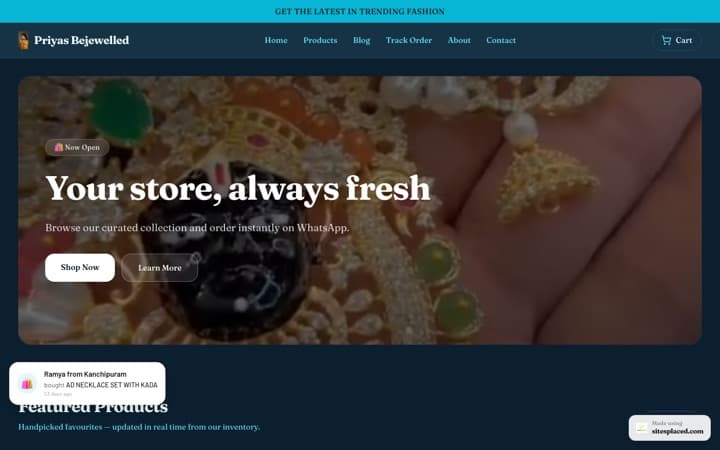
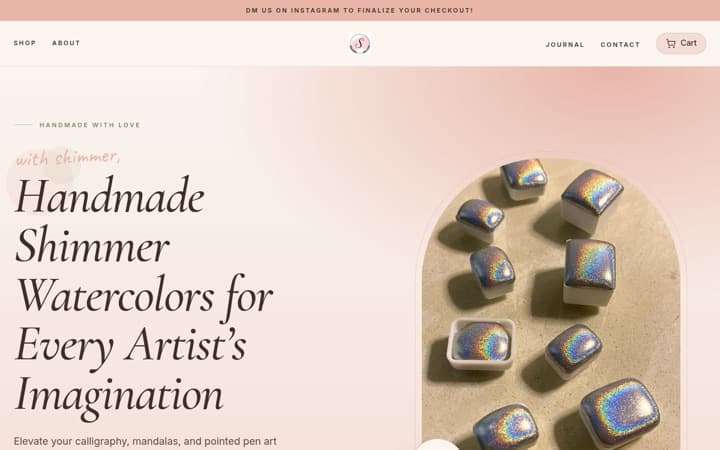
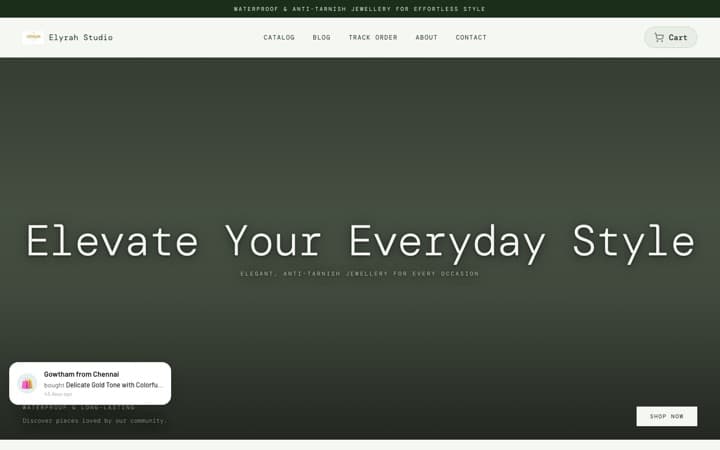
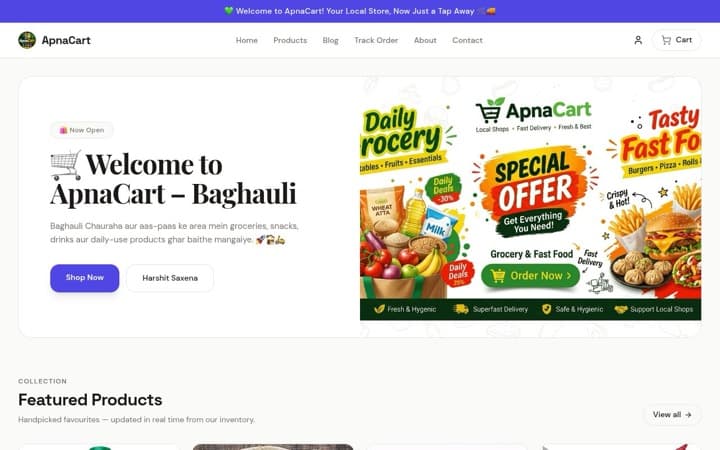
A SitesPlaced store is free to build and publish, with 0% commission on every sale, on every plan, and 21 integrations included rather than sold as add-ons. You can import a catalogue straight from Instagram instead of typing products in one at a time.
WhatsApp *checkout* is free on every plan; the Business API alerts are on the ₹499/month Growth plan. Step-by-step: WhatsApp order notifications.
Frequently asked questions
What do I need to connect WhatsApp Business API?
Three values from Meta's developer console: a Phone Number ID, a WhatsApp Business Account ID, and a permanent access token. Use a System User token, not the 24-hour one on the setup screen.
Why did my WhatsApp integration stop working the next day?
Almost certainly the temporary access token. Meta's API Setup screen shows one that expires in 24 hours and works perfectly until it does not. Generate a permanent token from a System User.
Can I use my existing WhatsApp number?
Only if you are willing to lose it from the WhatsApp app — a number can be on the app or the API, never both. Most stores use a second number for automated alerts.
Why was my message rejected?
Business-initiated messages must use templates Meta approved in advance. Templates are rejected for being too promotional, for grammar, or for placeholders that read as spam, and they are approved per language.
What does it cost?
Meta bills per 24-hour conversation, with utility messages like order confirmations on the cheap tier. It is small money at a few hundred orders a month, but it is billed by Meta directly and it is not zero.
Send order alerts from your own number
Build the store free, then add WhatsApp Business API alerts on the ₹499/month Growth plan. 0% commission on sales, always.