
What does an Instagram business account need? — the full seller checklist
Setting up an Instagram business account is the easy part. Setting it up so it actually sells takes a few more pieces — and the most important one lives off Instagram entirely. Here's the complete checklist.
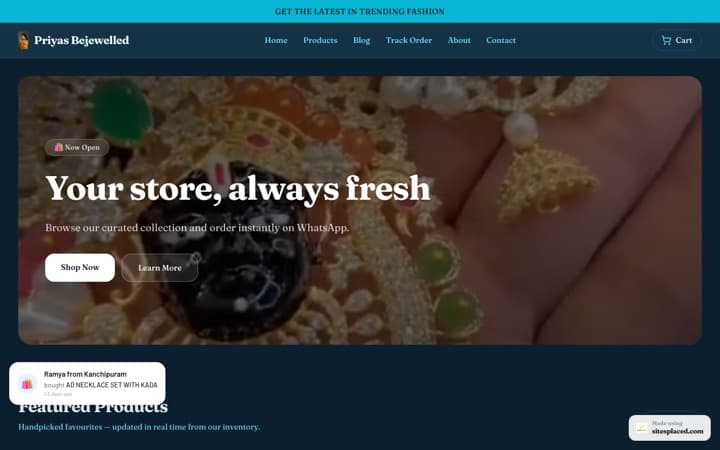
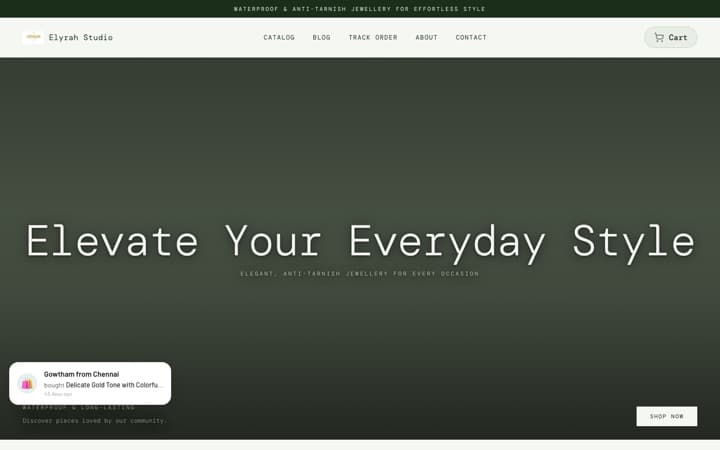
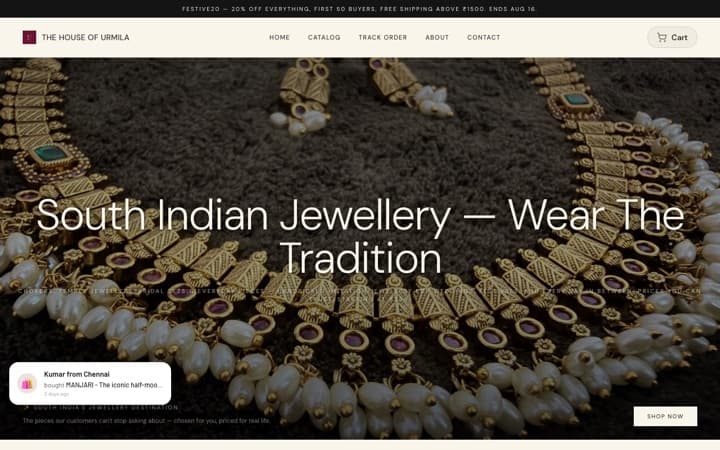
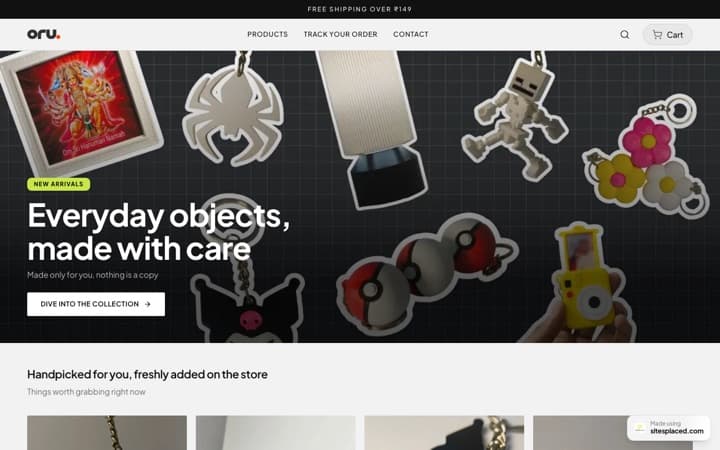
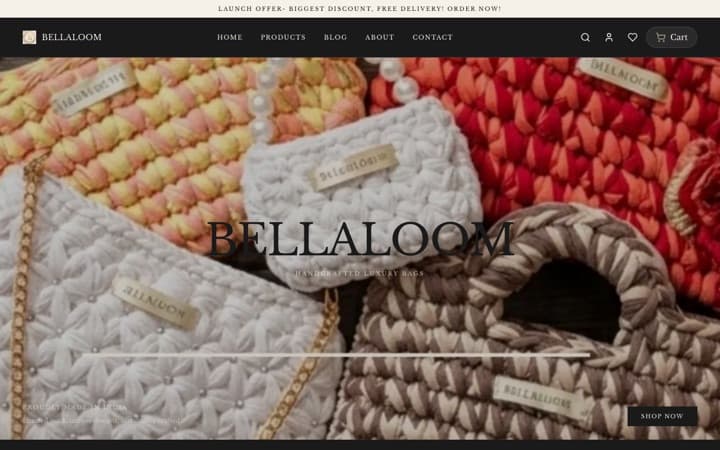
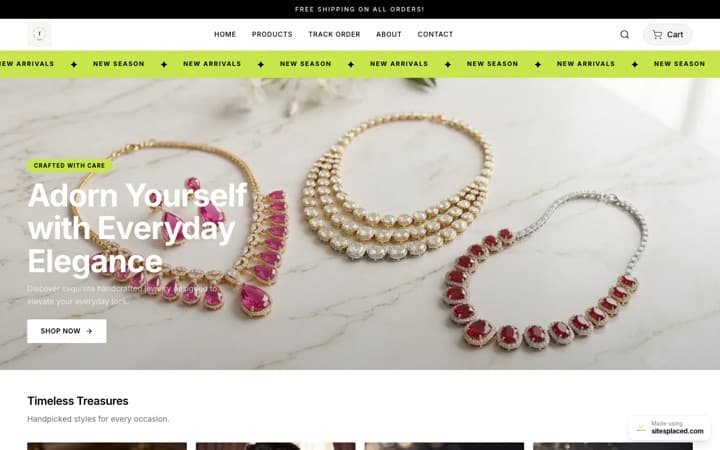
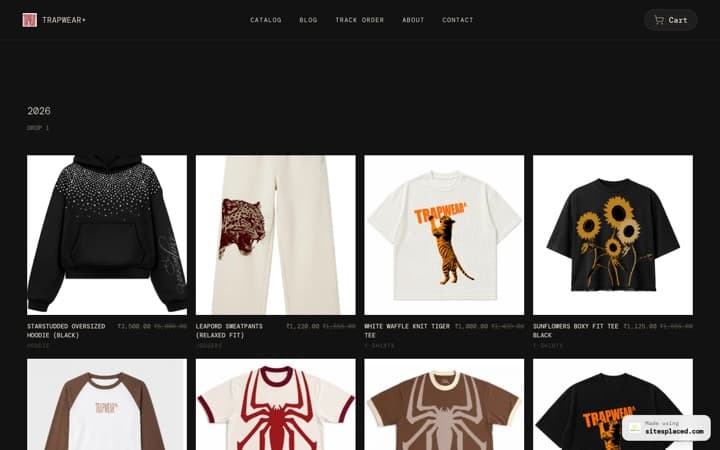
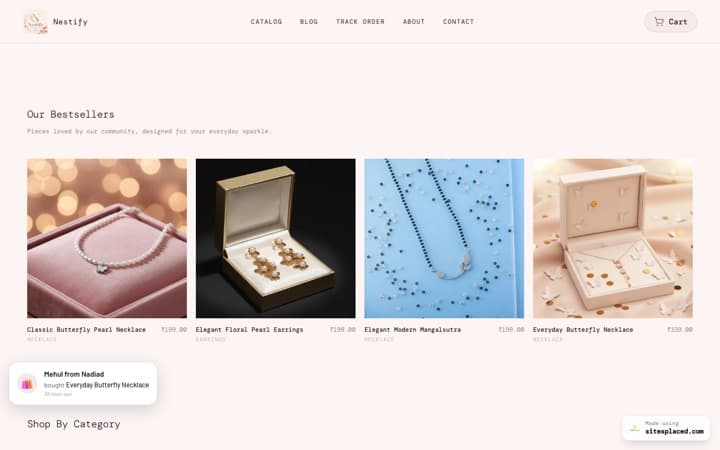
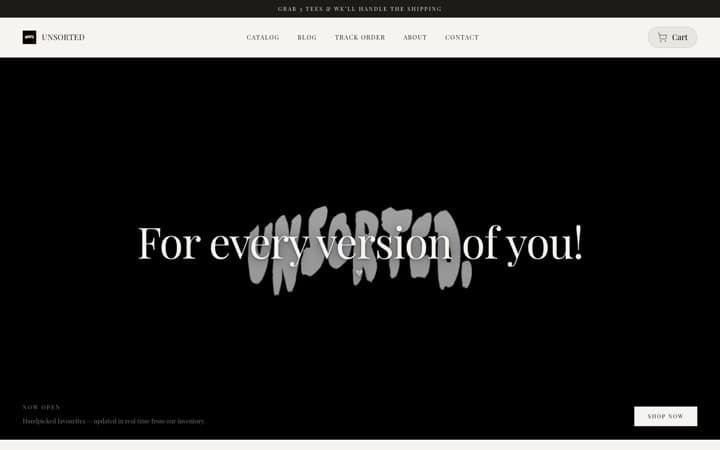
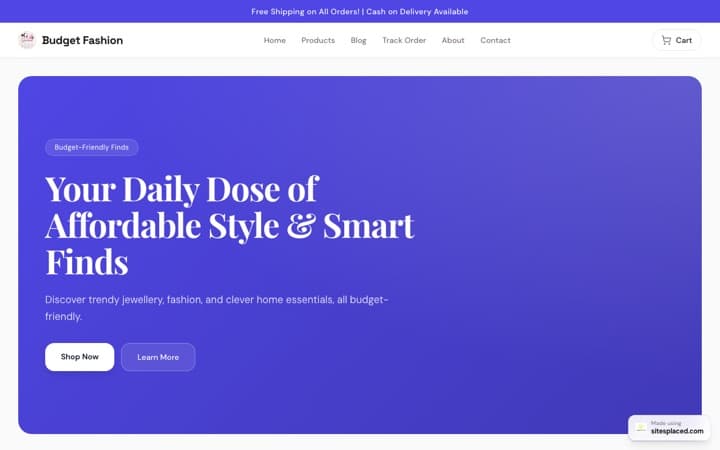
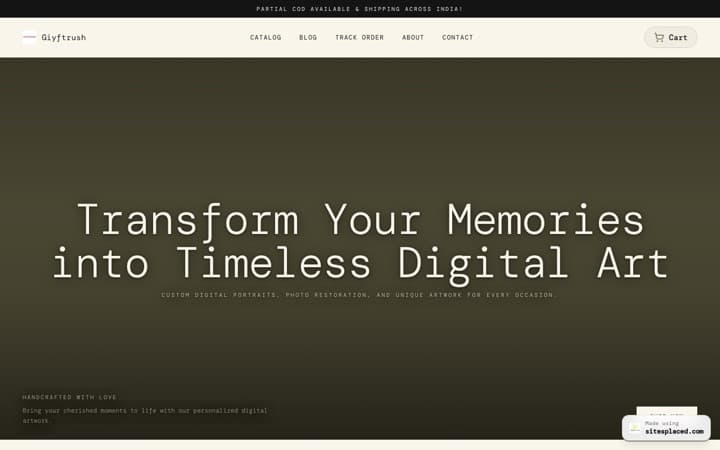
The short version: business account → searchable name → sharp bio with one CTA → a store link → Highlights → contact buttons → catalog → and the piece most sellers skip, a real store for checkout. Instagram drives discovery; a SitesPlaced store (free to build and publish, 0% commission) is where the sale closes.
The 8-point checklist
1. A business or creator account
Switch from a personal account in settings. A business account unlocks Insights, contact buttons, link stickers in Stories, ads and catalog tools — the basics every seller needs. It's free and takes a minute.
2. A clear, searchable name and handle
Use a name people would actually search for — your brand plus what you sell (e.g. 'Brand · Handmade Jewellery'). Instagram's search weights the name field, so this is how new buyers find you.
3. A bio that says who, what and why-trust
Three lines: who you are, what you sell, and one proof point (made-to-order, ships pan-India, 500+ orders). End with a single CTA pointing at your store link — not a wall of emojis.
4. One strong link — to your store
The website field is your most valuable real estate. Point it at your own SitesPlaced store on your custom domain, not a crowded link-list. This is where discovery turns into a real, ownable checkout.
5. Highlights that answer buyer questions
Pin Highlights for Catalog, Reviews, Shipping & Returns, and How to Order. They quietly handle the questions that otherwise flood your DMs and stall a sale.
6. Contact buttons set up
Add email, call and a WhatsApp button so buyers can reach you in a tap. Pair this with native WhatsApp checkout on your store so a chat becomes a structured order, not a lost screenshot.
7. A product catalog
Tag products in posts and Reels so people can browse what you sell. Treat the catalog as a shop window — the actual transaction should still happen on your store, where you control checkout and keep the customer.
8. A real store link for checkout (the one most miss)
Posts, tags and DMs create interest; only a real store closes the sale in India with UPI, Cash on Delivery, Razorpay and WhatsApp checkout. A SitesPlaced store gives you that checkout, GST-ready invoices and an order dashboard — the piece a polished Instagram profile alone can't provide.
The gap a perfect profile still leaves
You can tick the first seven boxes and have a profile that looks completely professional — and still lose orders. Why? Because everything on Instagram is built to create interest, not to complete a transaction. The catalog browses, the DMs chat, the Stories tease, but nothing on the platform reliably takes a UPI payment, books Cash on Delivery, generates a GST invoice or tracks a shipment for an Indian seller.
That's the gap a store fills. With a SitesPlaced store you get UPI, COD, Razorpay and native WhatsApp checkout, GST-ready PDF invoices, Shiprocket shipping, inventory management and an order dashboard — all on your own domain. Your Instagram profile becomes the shop window, and your store becomes the till.
Quick wins once the checklist is done
- • Pin a Highlight that walks new visitors from "how to order" to your store link.
- • Add the store link as a Story sticker every time you launch or restock a product.
- • Use your custom domain everywhere so buyers see one consistent, trustworthy brand.
- • Let AI write your product descriptions so the store fills out as fast as your feed.
- • Watch Insights to see which posts drive the most store clicks, then make more of them.
Frequently asked questions
What do I need for an Instagram business account?
Switch to a business or creator account, set a searchable name, write a clear bio with one CTA, add contact buttons and Highlights, and set up a product catalog. The piece most sellers miss is a real store link for checkout — a SitesPlaced store on your own domain that takes UPI, COD, Razorpay and WhatsApp orders.
Is an Instagram business account free?
Yes, switching to a business or creator account is free and unlocks Insights, link stickers, contact buttons and catalog tools. The cost only appears when you start selling — which is why pairing it with a store you own (free to build and publish on SitesPlaced, 0% commission) protects your margin.
Do I need a website with my Instagram business account?
Strongly recommended. Instagram is built for discovery, not for a full checkout in India. A website you own gives buyers a trustworthy place to pay, generates GST invoices, tracks orders, and ranks on Google. A SitesPlaced store links straight from your bio and Story stickers.
What should an Instagram seller bio include?
Who you are, what you sell, one trust signal, and a single clear call to action linking to your store. Skip the link-list clutter — point the bio link directly at your SitesPlaced store so the tap goes straight to products and checkout.
Can I take orders directly on Instagram in India?
Native checkout is limited in India, so most orders still happen through DMs or payment links — which is slow and easy to lose. A SitesPlaced store gives you proper UPI/COD/Razorpay and WhatsApp checkout, so the orders Instagram sends you actually close and stay organised in one dashboard.
Add the missing piece — your own store
Tick the last box on your checklist with a real checkout. UPI, COD, WhatsApp, GST invoices and an order dashboard. Free to build and publish at 0% commission — pay only for a custom domain or to remove the badge.