


How to set up an online store on Instagram — and where the sale actually happens
Setting up shopping on Instagram is the easy half. The half that actually makes money is a real checkout buyers trust. Here's how to do both — in the right order.
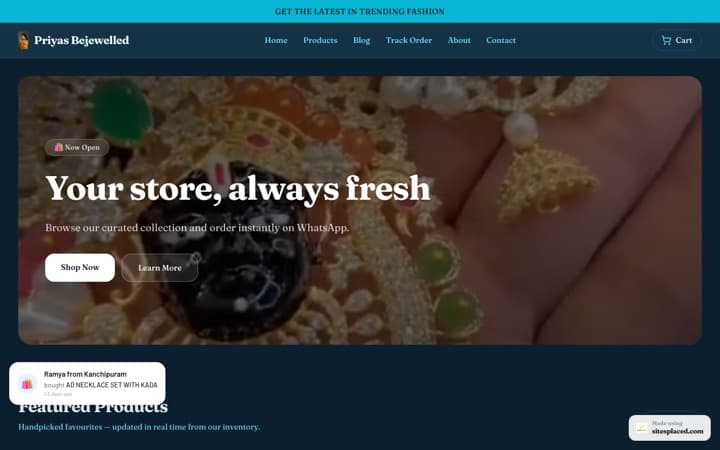
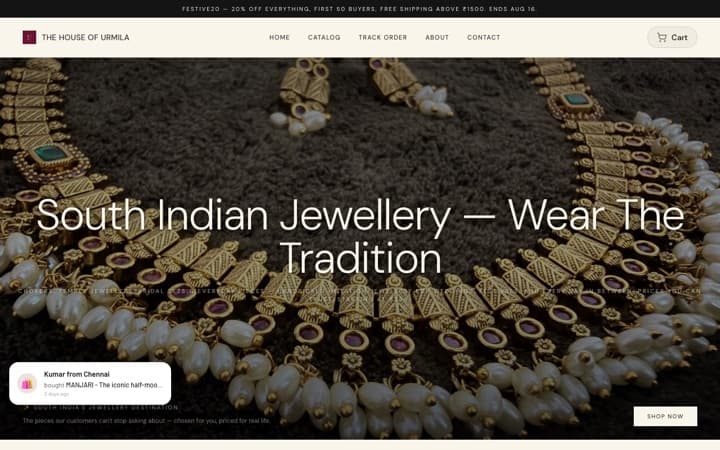
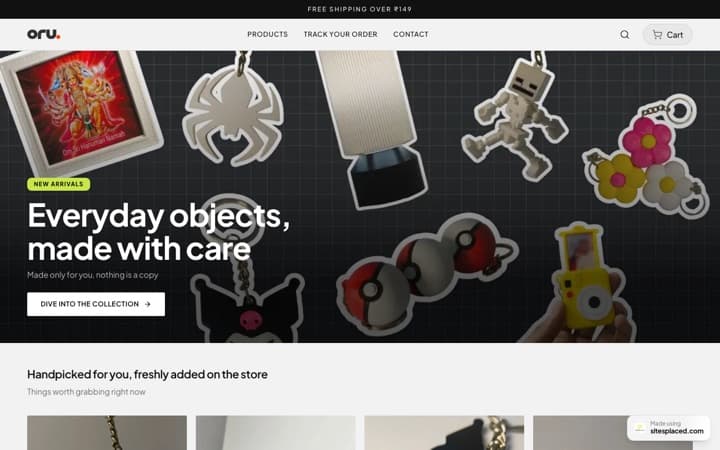
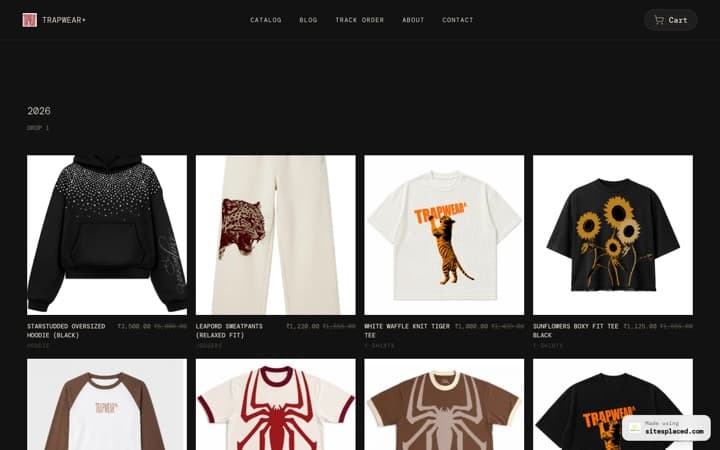
The short version: business account → product catalog → apply for shopping → tag products → connect a real store for checkout → put that store link everywhere. Instagram is your shop window; a SitesPlaced store is the cash counter — UPI, COD, Razorpay and WhatsApp, on a domain you own.
The 6 steps
Step 1 — Switch to a business (or creator) account
In Instagram settings, convert your profile to a business account. This unlocks contact buttons, insights and the ability to connect a product catalog. Add a clear profile photo, a category, and a bio that says exactly what you sell and who it's for.
Step 2 — Set up a product catalog
A catalog is the list of items Instagram can reference when you tag products. You can build it through Meta's Commerce Manager or sync it from a connected store. Each product needs a name, price, image and description — keep them consistent so your shop looks like a brand, not a scrapbook.
Step 3 — Apply for Instagram Shopping
Once your catalog is connected, request access to shopping features. Meta reviews the account against its commerce policies. Approval can take time and isn't guaranteed, so treat it as a bonus discovery layer rather than your core checkout.
Step 4 — Tag products in posts, Reels and Stories
After approval you can tag items so viewers tap to see the price and details. This is great for discovery — it turns a scroll into a 'tell me more'. But the tap still has to land somewhere a buyer can actually pay, which is the next step.
Step 5 — Connect a real store for checkout
In India, native one-tap checkout inside Instagram isn't the reality most sellers can rely on — buyers want UPI, Cash on Delivery and WhatsApp. Connect a SitesPlaced store and route every tag, Reel CTA and bio link to it. That store is where the sale closes, on a checkout you own.
Step 6 — Put your store link everywhere
Add your store link to your bio, Story link stickers and Reel captions. Now Instagram does what it's best at — getting eyes on your products — while your store handles payments, invoices, tracking and customer records. Discovery on IG, checkout on your turf.
Why Instagram alone isn't a store
It's tempting to think "I set up shopping, so I have a store." But a store is more than a tagged photo. A store takes payment, confirms the order, generates an invoice, tracks the shipment and remembers the customer. Instagram does almost none of that in India — and even where it touches commerce, you don't own the storefront or the buyer's details.
- No reliable native checkout. Indian buyers expect UPI and Cash on Delivery; an Instagram tag can't deliver those on its own.
- No ownership. Your followers, your catalog, your reach — all sit on rented land. A policy change or a ban can reset you to zero.
- No customer list. You can't email or re-target buyers you never captured. A store you own keeps that relationship.
Connecting Instagram to a SitesPlaced store
The clean setup is simple: keep doing the discovery work on Instagram — Reels, Stories, tagged posts — and send every interested tap to a store that can actually take the money. On SitesPlaced you pick from 15 vertical-fit templates, let AI write your product descriptions, and switch on UPI, Cash on Delivery and Razorpay with no plugins. Native WhatsApp checkout turns a DM into a structured order with item, size, address and amount, so nothing gets lost in screenshots.
Then your store quietly does the unglamorous work: Shiprocket labels and tracking, GST-ready PDF invoices, and an order dashboard showing paid, pending, shipped and delivered. A dedicated setup person can build it with you and even migrate an existing store within a day.
Frequently asked questions
How do I set up an online store on Instagram?
Switch to a business account, build a product catalog, apply for Instagram Shopping, then tag products in your content. Because Instagram isn't a full checkout in India, connect a SitesPlaced store with UPI, Cash on Delivery, Razorpay and WhatsApp checkout, and route all your Instagram traffic to it.
Can I take payments directly inside Instagram in India?
Native in-app checkout isn't something most Indian sellers can depend on, and you wouldn't own the customer or the data anyway. The reliable path is to use Instagram for discovery and a store you control for payments — SitesPlaced has UPI, COD, Razorpay and WhatsApp checkout built in with 0% commission.
Do I need a website to sell on Instagram?
You can start with just an Instagram page, but a real store dramatically improves trust and conversion. A SitesPlaced store gives you your own domain, checkout, invoices and order dashboard — so Instagram drives buyers and your store actually closes the sale.
How long does it take to set up an Instagram store?
The Instagram side can take a while because catalog connection and shopping approval are reviewed by Meta. The store side is fast: on SitesPlaced you can pick a template, add products with AI-written descriptions and go live in a single sitting, and a dedicated person can set it up with you.
Is it free to set up a store on Instagram?
Setting up an Instagram business account and catalog is free, but you still need somewhere to take payment. On SitesPlaced it's free to build AND publish your store, with 0% commission so you keep every rupee you make; ₹199/month ($7.99, Starter) only adds a custom domain, branding removal and AI.
Give your Instagram a real checkout
Keep the discovery on Instagram; move the selling to a store you own. UPI, COD, WhatsApp and invoices built in. Free to build & publish, 0% commission; ₹199/month (Starter) adds a custom domain, branding removal and AI.