

How to make a café website — step by step, in an afternoon
To make a café website, pick a food template, add your menu (or upload a photo of the printed one), your hours, address and real photos, then switch on orders with UPI and WhatsApp and link it from your Google listing and Instagram. On SitesPlaced it is free to publish; your own domain is from ₹199 a month.
Key takeaway: a café website has three jobs. Answer the four questions every visitor has (are you open, where are you, what is on the menu, how much). Take an order. Give regulars a reason to come back. Build for those three, in that order, and skip everything else until they work.
TL;DR
- • Template: a food template such as Food Store; free on a sitesplaced address.
- • Menu: upload a photo of your printed menu; the items and prices are created for you. Fix, group, add photos.
- • Basics: hours, address and a map link on the home page; real photos, not stock.
- • Orders: UPI and cards on your own gateway, cash on delivery, WhatsApp orders. 0% commission.
- • Regulars: a QR stamp card at the counter (Growth plan).
- • Google: put your website, menu and order links on your Google Business Profile.
- • Domain: yourcafe.in from ₹199 a month.
Before you start: what to have ready
- • A clear photo or PDF of your printed menu.
- • Eight to twelve photos taken in daylight: the front, the counter, the seating, and your best sellers.
- • Your opening hours for each day, your full address and your Google Maps link.
- • A WhatsApp number that someone at the café actually answers.
- • Optional, for online payments: a Razorpay, PhonePe or Cashfree business account.
Step 1: pick a template and get a free address
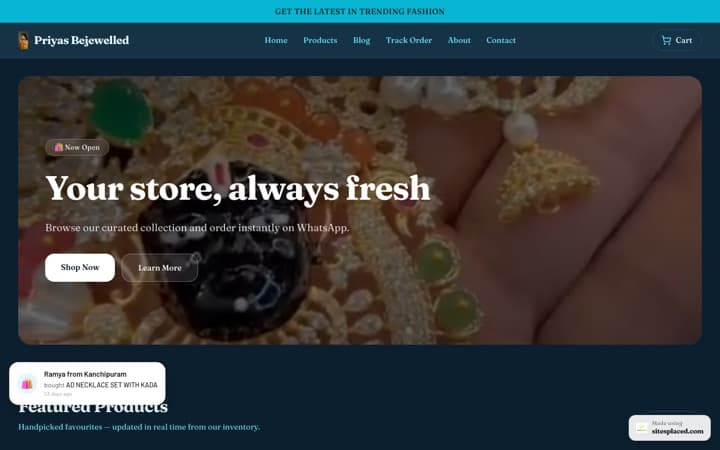
Start a store and pick a template built for food: Food Store suits most cafés and bakeries, and the General Store works for anything. Dedicated café and restaurant templates are on the way; until then these do the job well. Your site goes live on a free sitesplaced address with a small “Made with SitesPlaced” badge. Write a one-line description that says what you are and where: “Filter coffee, bakes and breakfast on 12th Main, Indiranagar” beats “Welcome to our café”.
Step 2: put the menu on the site, from a photo
Typing forty items is the step that stops most cafés. Skip it. In your store, go to Products, click Import, choose PDF / Photo and upload a photo of your printed menu or menu board. The dishes and prices are read in and created as items for you. Then spend fifteen minutes making it good:
- Check every name and price. A blurry photo can turn ₹180 into ₹130.
- Group into sections the way people order: Coffee, Tea and coolers, Breakfast, Sandwiches, Bakes.
- Add photos to your eight best sellers first. A real photo of your cold coffee does more than a paragraph.
- Write one line on each item: what is in it, the size, veg or egg. “Banana walnut loaf, eggless, 2 thick slices.”
- Hide what is sold out instead of deleting it, so it comes back with one tap.
Keep the menu as items on the page, not a PDF to download. Phones open it instantly, customers can order from it, and Google can read it.
Step 3: hours, address and the map
Put your hours and address near the top of the home page and again in the footer, with a link to your Google Maps pin. Use exactly the same hours as your Google listing; a café that Google says is open and the website says is shut loses both customers. When you close for Diwali or a staff holiday, use Pause ordering (Settings → Checkout, on every plan): the site stays up, people can still see the menu, and your message tells them when you are back.
Step 4: real photos, not stock
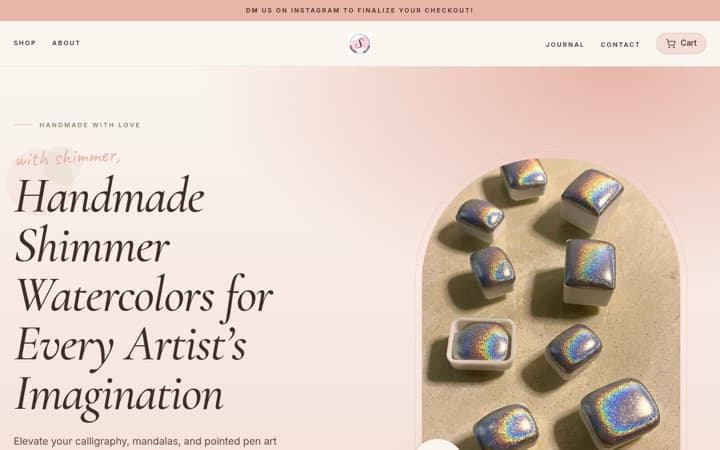
People choose a café on feel. Show the real one: the window seat, the espresso machine, the plates you actually serve, the queue on a Sunday morning. Phone photos are fine if you shoot near a window and wipe the lens. Never use a stock photo of a latte; regulars notice, and new visitors feel cheated when they arrive.
Step 5: switch on ordering
Your website can take orders the day you publish, at 0% commission on every plan:
- Online orders through the checkout. Connect your own Razorpay, PhonePe or Cashfree account and customers pay by UPI or card, straight to your bank. Your gateway charges its usual fee; SitesPlaced adds nothing.
- Cash on delivery, with delivery charges you set.
- WhatsApp orders. The customer fills the cart and sends it to you as a WhatsApp message; you reply with the pickup or delivery time. Regulars love this.
- Coupons for a first direct order or a slow Tuesday afternoon.
To be clear about what is not there yet: no ordering from a QR at the table, no kitchen screen or KOT printing, and guests cannot book a table on the website. You can record table bookings from calls and walk-ins in the dashboard’s Table bookings tab. If you also sell on Zomato or Swiggy, read Zomato and Swiggy commission vs your own website for how to move regulars across.
Step 6: add a loyalty card for regulars
On the Growth plan, your website gets a loyalty programme. Print the QR stand or table tent from your dashboard and put it by the till. A customer scans it, types their phone number and gets a stamp on a card that lives on their phone, with no app to install. Eight coffees, one free. Scratch cards add a surprise, several branches can share one programme, and online orders with the same phone number add stamps too. The website and loyalty QR page shows how it works, and how to run a loyalty programme for a café covers the reward, the number of stamps and what staff should say.
Step 7: link it from your Google listing
Most people find a café on Google Maps, so your Google Business Profile is the front door and your website is the room behind it. Edit the profile, add your website address, and add your menu and ordering links where Google offers those fields (food businesses usually see Menu and Order links). Any business can add these links, for free. Match the hours to your website, upload the same real photos, and reply to reviews. Then add the website to your Instagram bio and your WhatsApp Business profile. More on profiles in our Google Business Profile guide.
Step 8: your own domain, when you are ready
A free address works on day one. When you want yourcafe.in on the menu card and the cups, the Starter plan adds it.
| Plan | Price | What a café gets |
|---|---|---|
| Free | ₹0 | Your website on a free sitesplaced address (small “Made with SitesPlaced” badge), the menu, online and WhatsApp orders, 0% commission, the dashboard |
| Starter | ₹199 a month | Your own domain (yourcafe.in), badge removed, visitor analytics, Meta Pixel, AI copy |
| Growth | ₹499 a month | Loyalty programme (QR stamp cards, scratch cards, table tent, several locations), product reviews and Google stars, sales boosters, WhatsApp Business API order alerts |
0% commission on orders on every plan. Your payment gateway’s fee on online payments is separate. Full details on the pricing page.
Launch checklist
- • Open the site on your own phone, on mobile data. Does the menu load fast?
- • Place a real order yourself, by UPI and on WhatsApp, and check it arrives.
- • Read every price once more against the printed menu.
- • Put a small card by the till with the website address and a QR that opens it.
- • Add the link to Google, Instagram and WhatsApp Business.
- • Tell your regulars, in person, that they can now order directly.
Frequently asked questions
How much does a café website cost in India?
On SitesPlaced it can cost nothing: the website, the menu, online orders and WhatsApp orders are free to publish on a sitesplaced address, with 0% commission on orders. Your own domain (yourcafe.in) and removing the small badge are on the Starter plan at ₹199 a month. The loyalty programme is on Growth at ₹499 a month. Your payment gateway charges its usual fee on online payments.
Can I make a café website for free?
Yes. Pick a food template, add your menu (or upload a photo of it), your hours, address and photos, and publish. The free site lives on a sitesplaced address with a small 'Made with SitesPlaced' badge, takes online and WhatsApp orders, and charges no commission.
Do I need a website if I am on Zomato and Swiggy?
It helps. The apps bring new customers but take a commission on every order, including your regulars' orders, and they do not give you customers' phone numbers. Your own website is where regulars order at 0% commission, where your Google listing and Instagram bio point, and where your loyalty card lives.
How do I put my menu on my website?
On SitesPlaced, open your store, go to Products and click Import, choose PDF / Photo and upload a clear photo or PDF of your printed menu. The dishes and prices are read in for you. Check each name and price, group them into sections such as Coffee, Breakfast and Bakes, and add photos of your best sellers.
Can customers order from my café website?
Yes. They can order through the checkout and pay by UPI or card through your own Razorpay, PhonePe or Cashfree account, or choose cash on delivery, or send the order to you on WhatsApp. You set the delivery charges, and you can pause ordering with one switch when the kitchen is full or you are closed.
Can customers book a table on my café website?
Not yet. Guests cannot book a table themselves on a SitesPlaced website today. You can record table bookings that come in by phone, WhatsApp or walk-in in the Table bookings tab of your dashboard, with seats per time slot, so you always know who is coming.
Can I add a loyalty card to my café website?
Yes, on the Growth plan. You print a QR for the counter or a table tent; customers scan it, type their phone number and collect stamps on their phone, with no app to install. When the card fills they get the reward you chose. Online orders with the same phone number add stamps too, which is a good reason to order from your site.
How do I link my café website to Google Maps?
Through your Google Business Profile, which is what shows on Google Maps. Edit the profile and add your website address, and add your menu and ordering links where Google offers those fields (food businesses usually see Menu and Order links). Keep the hours on your profile and your website the same. Adding these links is free.
Your café’s website, live today
Upload a photo of your menu, add your photos and hours, and start taking orders by UPI, card, cash or WhatsApp at 0% commission. Free to publish; your own domain from ₹199 a month.