
A salon website that fills your chairs
Before someone books a haircut, colour or facial, they want to see your work, your prices and how to reach you. A website puts all of that in one polished place — and turns a curious scroller into a booked appointment.
By Manan Agrawal, Founder · Updated June 10, 2026
A salon website is where new clients decide whether to trust you with their hair or skin, so it has to show your best work, lay out services with honest prices, and let people book without a phone call. Done well, it cuts down on “how much for highlights?” calls and steadily fills quiet slots. On SitesPlaced you can build and publish one free. With SitesPlaced Studio, salons & spas can publish a professional site free in minutes — premium templates, AI that writes your copy, and no coding.
Real sites, live right now
These aren’t mockups — they’re real people who built and published on SitesPlaced. Open any of them in a new tab.
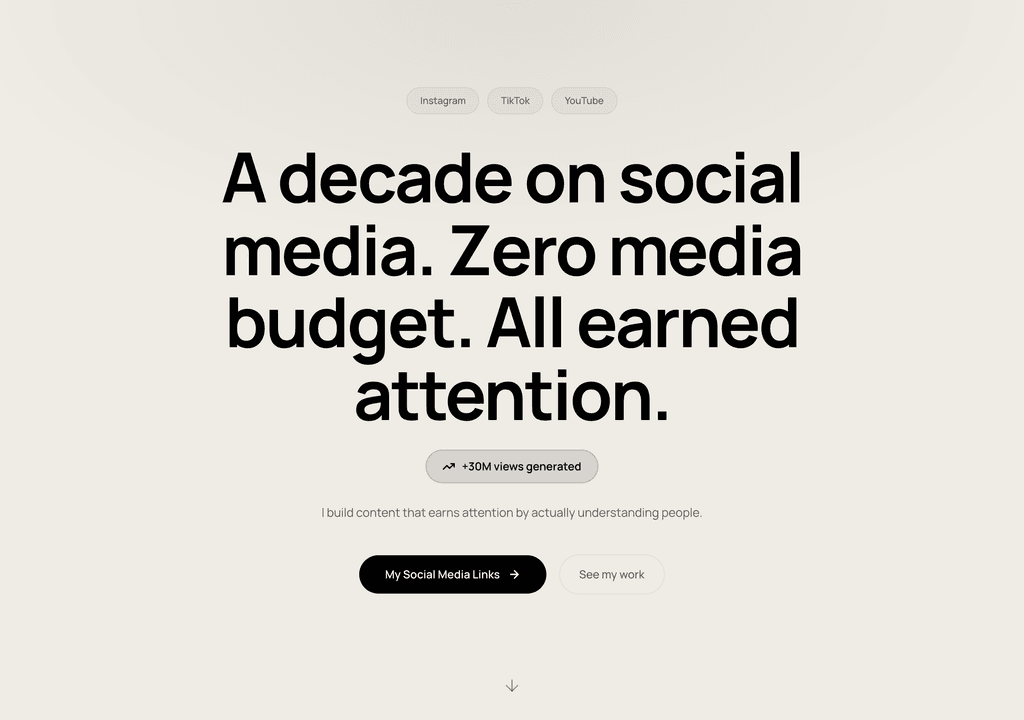
Steve Corbin Jr.
A social-media specialist's portfolio that turns a decade of earned attention into inbound clients.
Visit live site
J. Riley Brewington
A content specialist showcasing multi-platform growth, testimonials and a clear booking path.
Visit live site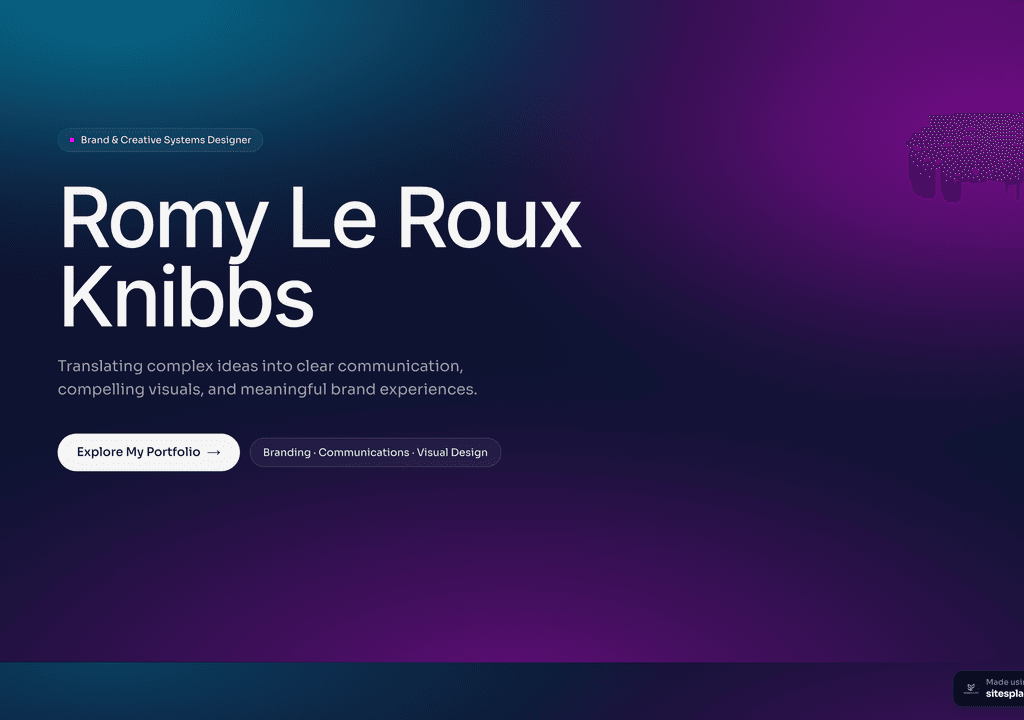
Romy Le Roux Knibbs
A brand & communications designer's portfolio — case studies in a polished, gradient-led layout.
Visit live siteWhy salons & spas need a website in 2026
Most salons and parlours rely on walk-ins, regulars and an Instagram full of beautiful befores-and-afters. That brings clients in — but Instagram won’t tell them your prices, your timings, or let them book the moment they’re inspired.
- ✓New clients judge a salon by its work — a gallery of real before-and-afters earns trust faster than any caption.
- ✓A clear service-and-price menu stops the endless “how much for…?” calls and filters in clients who fit your rates.
- ✓Online booking lets people grab a slot at 11pm when they decide, instead of waiting to call during your busiest hours.
- ✓Showing your address, hours and a map helps you appear in “salon near me” and Maps searches.
- ✓It makes a single-chair studio look as professional and reliable as a big chain.
- ✓Highlighting your specialists and signature services lets you charge premium prices with confidence.
What a great salons & spa website should include
A salon site should feel as clean and inviting as your space, and make booking effortless. Include:
- ✓A service menu grouped by category — hair, skin, nails, spa — each with duration and price.
- ✓A gallery of your best work: cuts, colour, bridal, nails — real client results, not stock photos.
- ✓An online booking or appointment-request button that’s visible on every screen.
- ✓Your stylists or therapists with a line on their specialities, so clients can ask for them by name.
- ✓Location, parking, opening hours and a tap-to-call number, with a Google map.
- ✓Trust builders: Google reviews, hygiene and product brands you use, and any bridal or package offers.
How to build your salons & spa website (no coding)
You don’t need a developer or weeks of work. It’s free to build and publish — premium templates included, no ads, no card. Your site goes live in minutes on a username.sitesplaced.com address, and you can add a custom domain or remove the small badge whenever you want.
Pick a template
Start from a salons & spas-ready website template — designed, responsive and ready to make yours. No blank page, no design skills needed.
Let AI fill it in
Answer a few questions or paste your details, and AI writes your headline, about, services and project copy for you.
Make it yours
Swap colours, fonts, photos and sections with a live visual editor. Add your logo, contact details and the things that make you, you.
Publish free
Go live in minutes on yourname.sitesplaced.com. Add a custom domain or remove branding later — you’re never forced to pay to be seen.
Turning browsers into booked appointments
The difference between a pretty salon website and a profitable one is how easy it is to book. A client inspired by your bridal gallery should be able to request that exact service in two taps — not be told to “DM to book” and left to lose interest by morning.
Be transparent with your menu. Listing services with prices and time (“Global colour — ₹3,500, 2 hrs”) sets expectations, reduces no-shows, and quietly pre-qualifies clients so the people who book are the people happy to pay. Vague or hidden pricing just sends budget-conscious clients elsewhere and wastes everyone’s time at the chair.
Lean on proof. Beauty is a trust purchase, especially for colour, bridal or skin treatments — so put real before-and-afters, Google reviews and the brands you use front and centre. A first-time client who can see results, prices and an open slot has every reason to book and almost none to hesitate.
Templates to start from
Pick one of these, make it yours, and publish — open a demo to see it live.
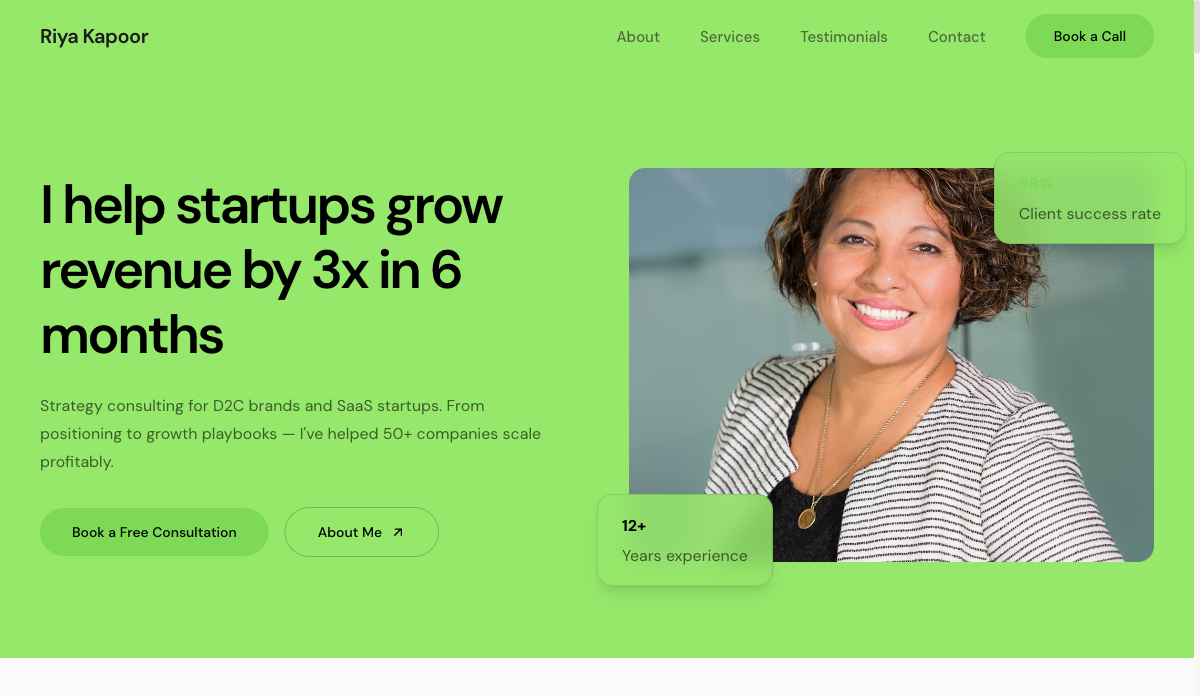 Services
Consultant — Freelancer
Service-led freelancer site with packages, testimonials and a lead form. For consultants, coaches and strategists.
View live demo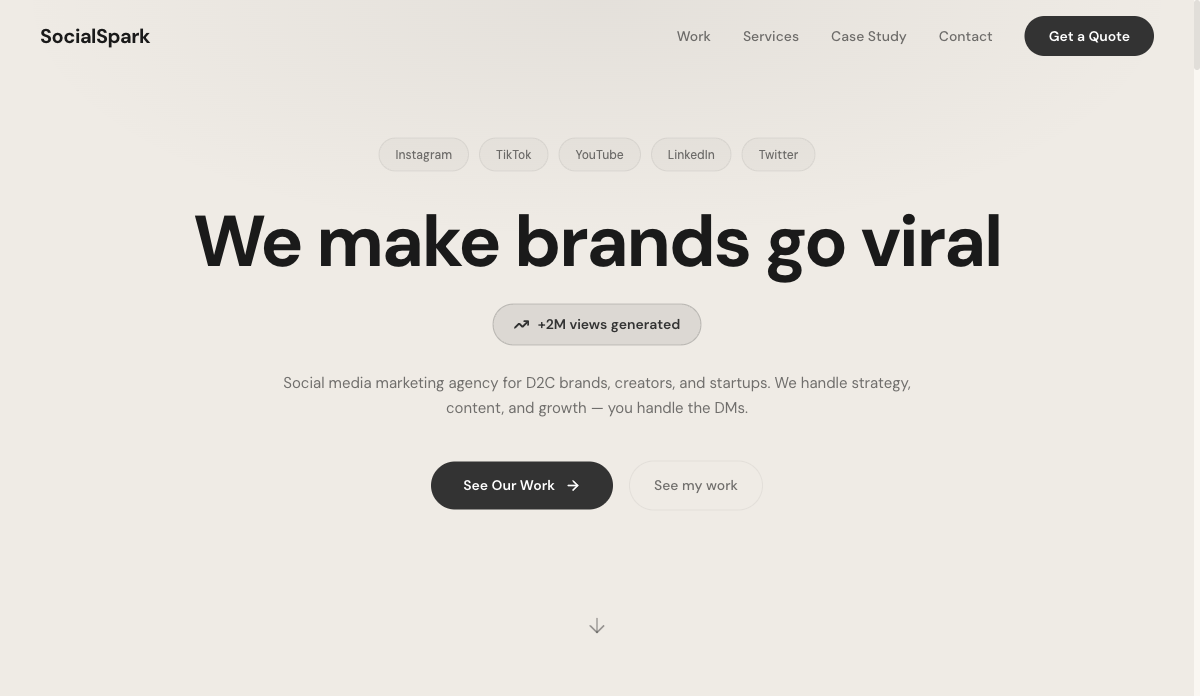 Social
Social Media Freelancer
Results-first portfolio with metrics, content grid and packages. For social media managers and content creators.
View live demo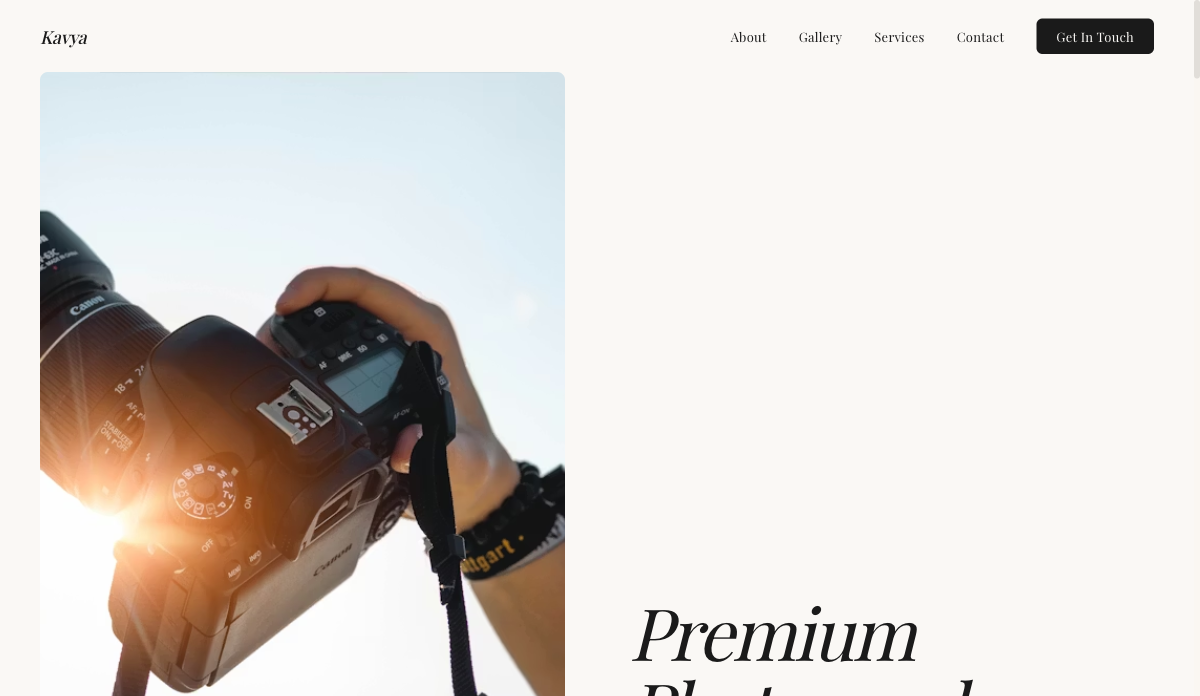 Visual
Photographer — Visual Portfolio
Full-bleed gallery layout with lightbox and category filters. For photographers, visual artists and stylists.
View live demo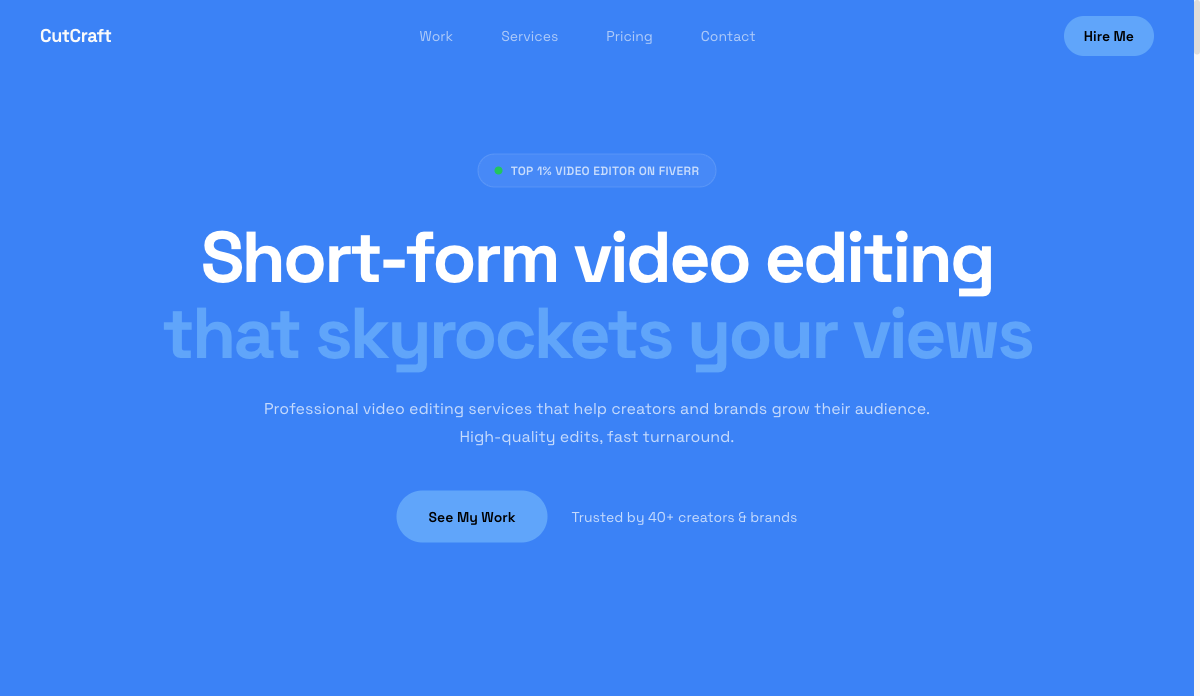 Video
VideoEditor — Video & Motion
Video-hero portfolio with reel embeds and before/after blocks. For video editors, motion designers and filmmakers.
View live demo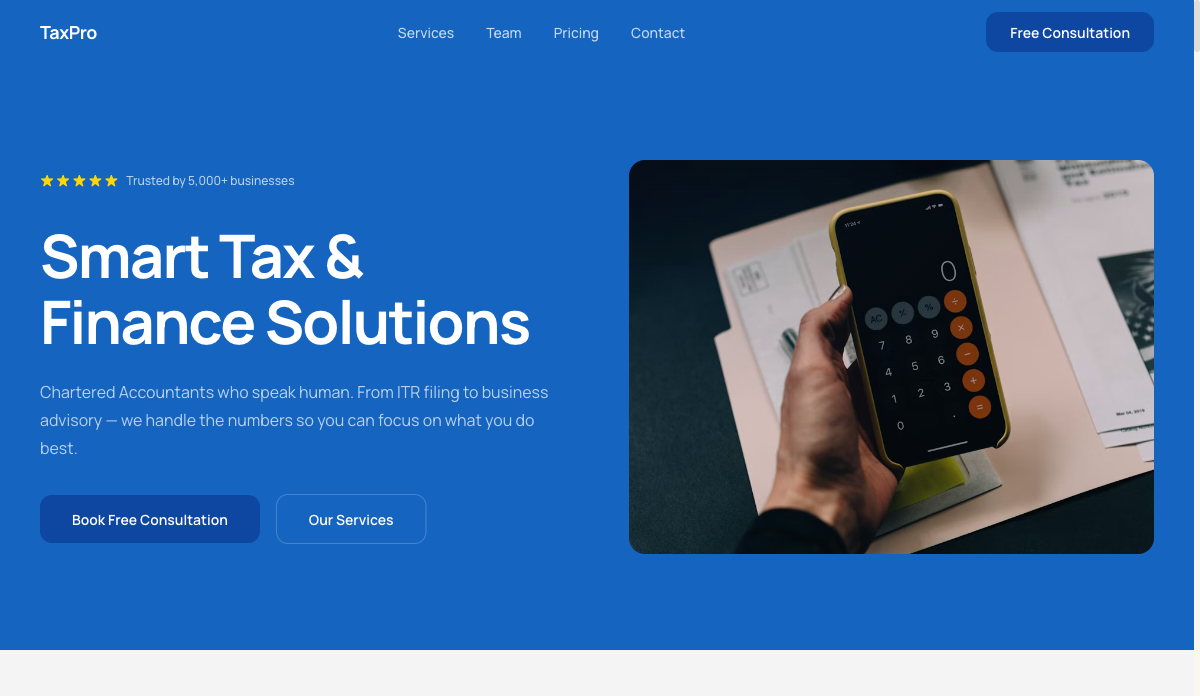 Finance
Accountant — Finance & Tax
Trust-building site with credentials, services and booking. For accountants, CAs and finance freelancers.
View live demo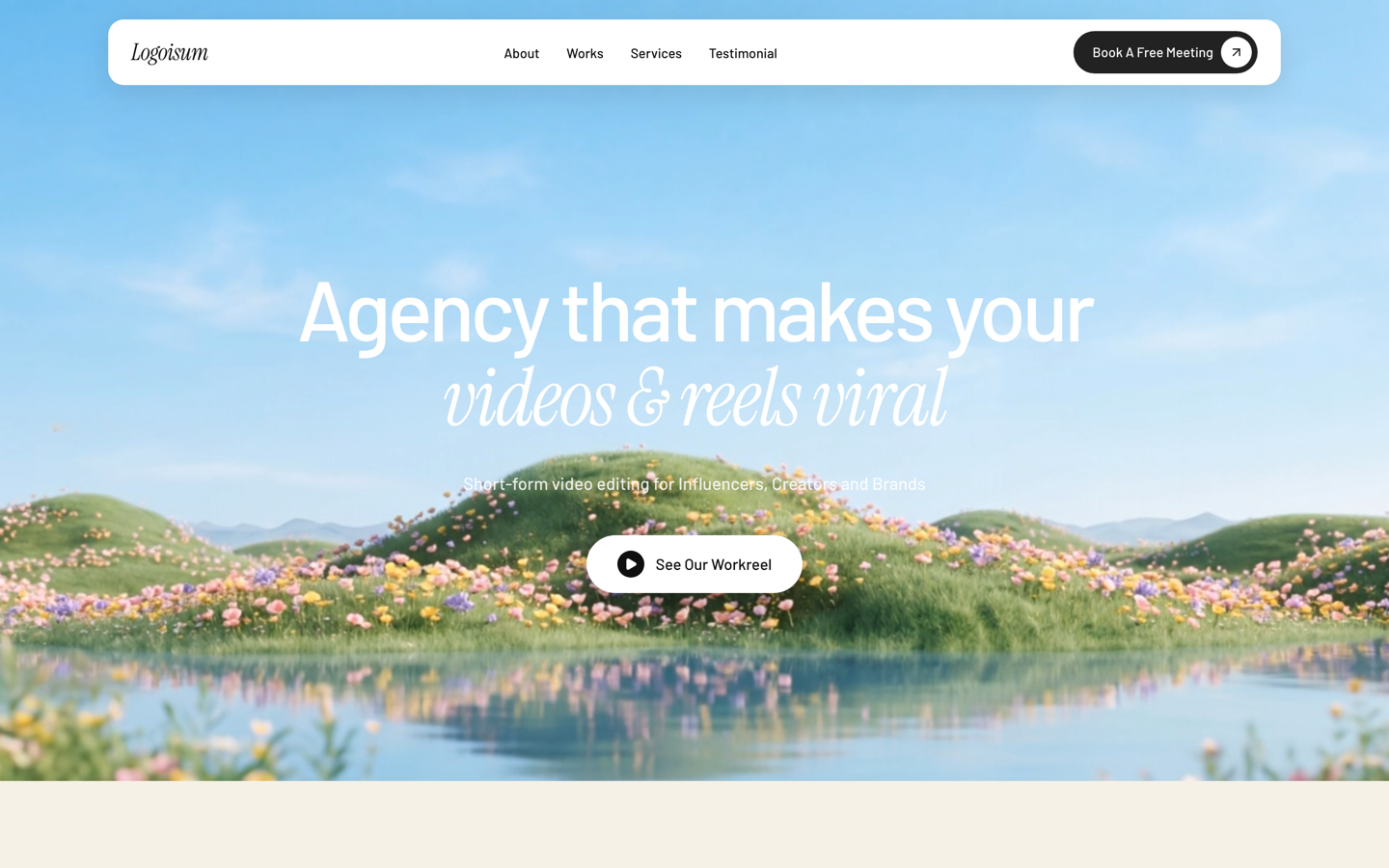 Agency
Logoisum — Design Agency
Punchy agency-style portfolio with a logo/brand wall and services. For freelance designers going solo-studio.
View live demoWays to get a salons & spa website, compared
| SitesPlaced | Web agency | DIY builder | Social / marketplace only | |
|---|---|---|---|---|
| Cost to launch | Free | ₹25k–₹1L+ | ₹500–2k/mo | Free, but rented |
| Time to live | Minutes | 2–6 weeks | Days | Minutes |
| You own it | ✓ Yours | ✓ (you pay) | ✓ | ✗ Platform’s |
| No coding | ✓ | Done for you | ✓ | ✓ |
| Found on Google | ✓ SEO-ready | Depends | ✓ | Limited |
| AI writes your content | ✓ | ✗ | ✗ | ✗ |
Indicative comparison of the common ways to put a small business online, June 2026.
Build your salons & spa website free
Pick a salons & spas-ready template, let AI write your content, and publish in minutes. It’s free to build and publish — premium templates included, no ads, no card. Your site goes live in minutes on a username.sitesplaced.com address, and you can add a custom domain or remove the small badge whenever you want.
Build my website free →Frequently asked questions
Does a salon need a website if it already has Instagram?
Yes. Instagram is perfect for showing your work, but it won’t display your full price menu, your hours, or let clients book a slot themselves. A website does all three and links neatly from your bio, so the two work together.
How much does a salon website cost?
It can be free. On SitesPlaced you build and publish at no cost with premium templates included; you only pay later if you want a custom domain or to remove the small badge.
Can clients book appointments through the website?
Yes. You can add an online booking or appointment-request button so clients pick a service and time, or send an enquiry — instead of having to call during your busiest hours.
Will it help my salon get found on Google?
It will. Put your service and area in your page titles and content, keep your address and hours consistent with your Google Business Profile, and your site can show up for “salon near me” searches.
How long does it take to set up?
An afternoon. Choose a template, let AI write your copy, add your service menu and gallery photos, connect booking, and publish the same day.