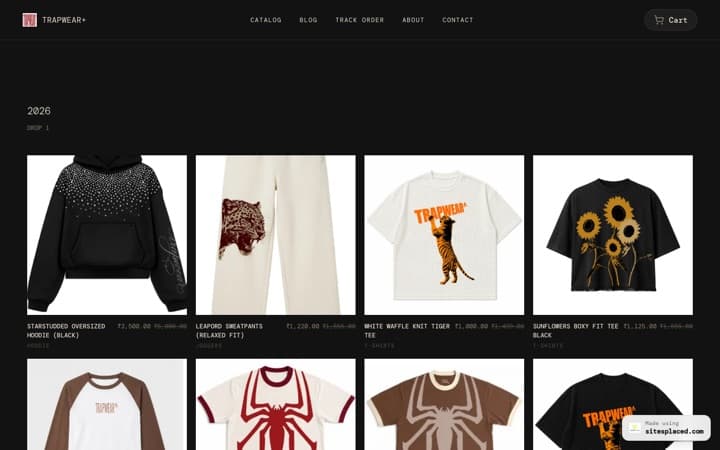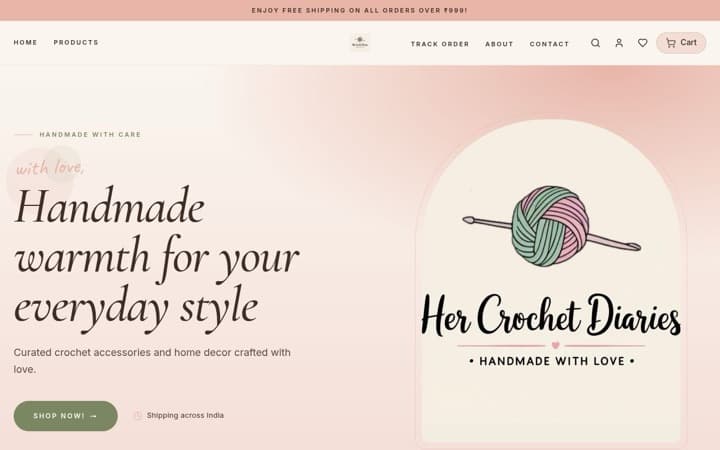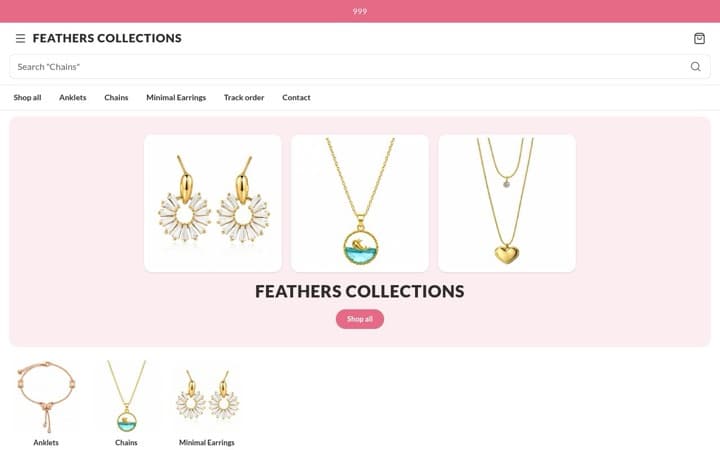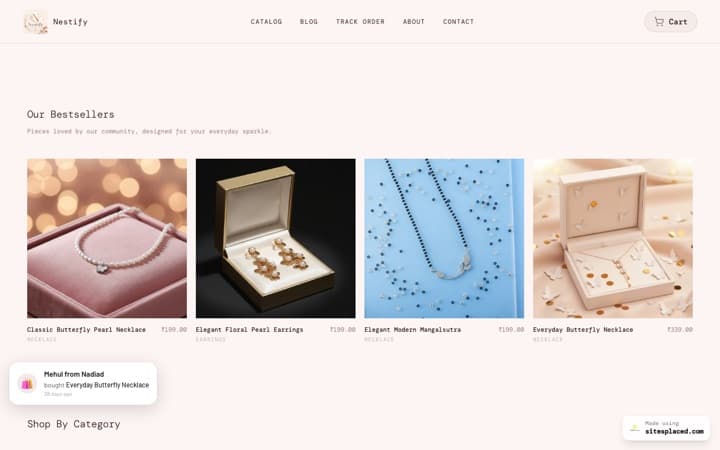


The SitesPlaced store importer — skip the typing
Bring your catalogue in from Instagram, a website, a PDF price list, dm2buy or Shopexer. Free on every plan.
The importer is the reason people actually finish setting up a store. Point it at your Instagram profile, an existing website, a PDF price list, or a dm2buy or Shopexer store, and it pulls the products in — names, prices, images and descriptions — instead of you typing forty items into a form at eleven at night.
TL;DR
- • Sources: Instagram, an existing website, a PDF price list, dm2buy, Shopexer.
- • Free on every plan, including the free one.
- • It never silently drops a product — you review everything before it goes live.
- • Typing in a catalogue is the step most abandoned store setups die at.
- • You can edit everything after import.
The real reason stores never launch
It is almost never the design, and it is not the payment gateway. It is that a seller signs up with forty products on their Instagram grid, opens an empty product form, and realises this is going to be an evening of typing.
So it gets left for the weekend. Then the next weekend. The store is 60% built forever, and the business carries on running out of DMs.
The importer exists to delete that evening. It is not a convenience feature; it is the difference between a store that launches and one that does not.
What it can read
- • Instagram — your posts become products, with the images and captions carried across.
- • An existing website — point it at your current store or catalogue page.
- • A PDF price list — the format wholesalers and boutiques actually work in.
- • dm2buy and Shopexer — direct paths for sellers moving off those platforms.
Nothing gets silently dropped
There is a design decision here worth stating, because it is the opposite of what most importers do.
When an import cannot be confident about a row — a price it cannot parse, a caption that may or may not be a product — it brings the row in for you to review rather than discarding it. An importer that quietly drops items is worse than useless: you cannot tell what is missing until a customer asks for something that is not there.
So you review before publishing. Prices are the field to check most carefully, because a caption that says 'DM for price' has no number in it, and an item that lands at zero is one a customer can genuinely buy for nothing.
It is free, and that is deliberate
The importer is on the free plan. Charging for it would be charging people to get their own data into a product they have not decided to use yet, which is a strange thing to do.
For the same reason there is no product limit on any plan. A catalogue is not a metered resource.
If you do not have the website yet
Everything above assumes you already have a store to put an imported catalogue on.
A SitesPlaced store is free to build and publish, with 0% commission on every sale, on every plan, and 21 integrations included rather than sold as add-ons.
Step-by-step: how to import your catalogue into an ecommerce website.
Frequently asked questions
What can the importer read?
Instagram profiles, an existing website, a PDF price list, and dm2buy or Shopexer stores. Products come in with names, prices, images and descriptions where they are available.
Does it cost anything?
No. It is on the free plan. Charging people to get their own catalogue into a product they have not committed to would be a strange thing to do.
Will it drop products it cannot read?
No, deliberately. Rows it cannot fully parse are brought in for you to review rather than discarded — an importer that silently drops items leaves you unable to tell what is missing until a customer asks.
What should I check after importing?
Prices, first. A caption that says DM for price has no number in it, and a product that lands at zero is one a customer can genuinely buy for nothing.
Bring your catalogue in tonight
Build the store free and import from Instagram, a website or a PDF. No product limits, 0% commission.