

Generate a developer portfolio from your GitHub username
You already built the proof — it's sitting in your repos. This guide shows how to paste your GitHub username and get a recruiter-ready portfolio in under a minute: repos become projects, your languages become a tech stack, and your bio writes itself. No design work, no boilerplate React, no weekend lost to CSS.
The fastest portfolio is the one you don't hand-code. Most developers spend a Saturday wiring up a Next.js portfolio template, then never update it. Paste your username into the SitesPlaced importer instead and it reads your public GitHub — bio, pinned and top-starred repos, your languages — and turns it into a clean, terminal-style portfolio website for software engineers in about a minute — the fastest route to something resembling the software developer portfolio examples recruiters bookmark. Students publish it free; everyone else can add a custom domain.
TL;DR
- • Input: just your public GitHub username — no account login, no app install.
- • Output: a developer portfolio in ~60s — projects, tech stack, bio and links, recruiter-ready.
- • Repos → projects: top-starred and pinned repos become project cards with stars, language and a live link.
- • Free for students: build and publish free; one-time ₹99 ($3) to drop the badge.
A real GitHub, turned into a real portfolio
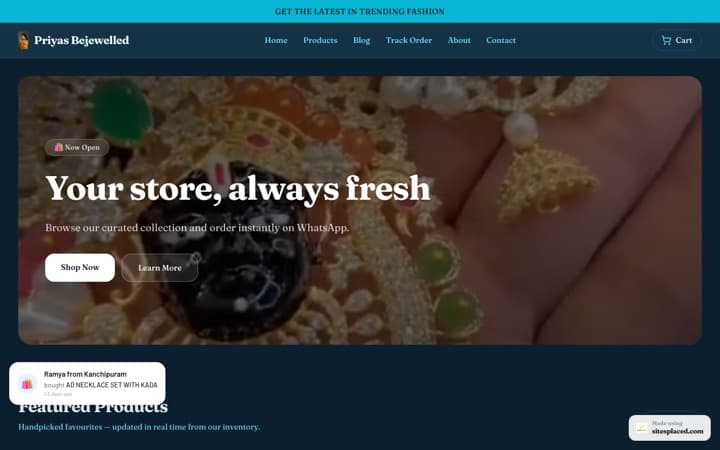
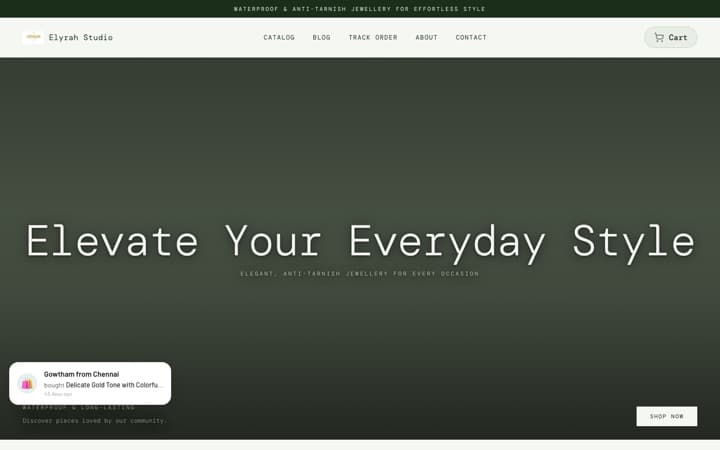
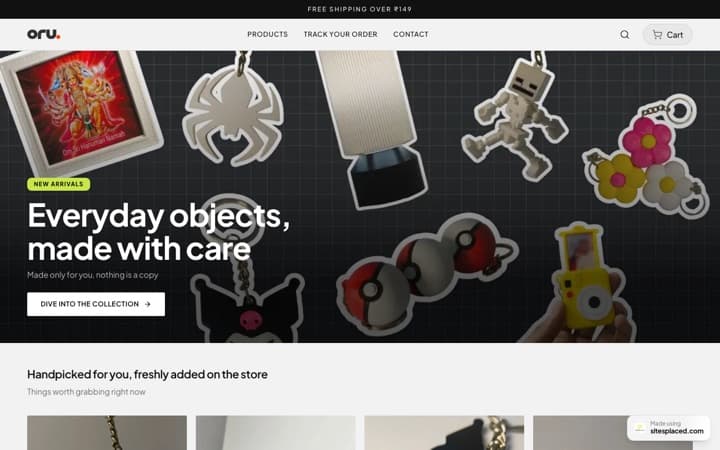
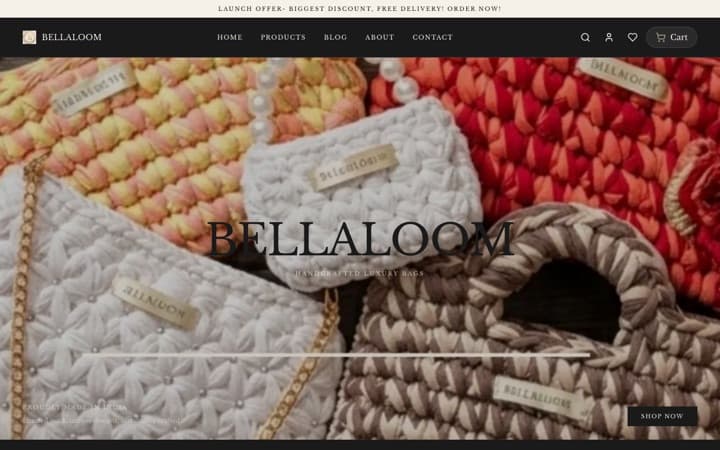
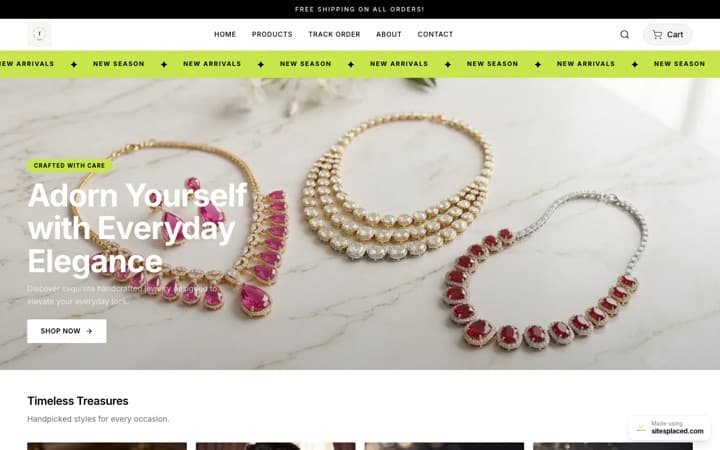
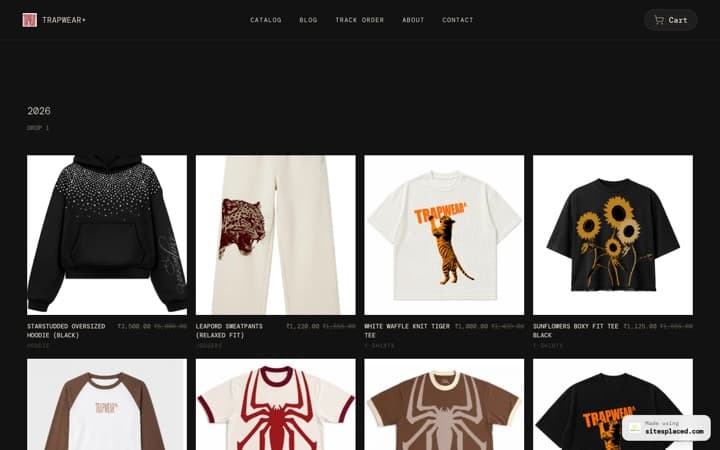
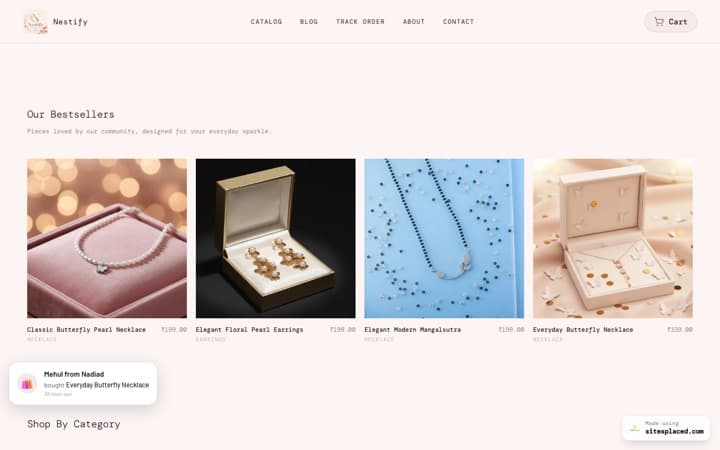
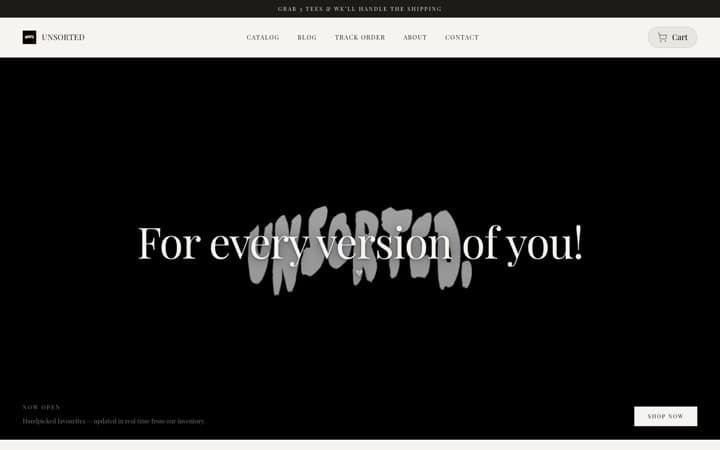
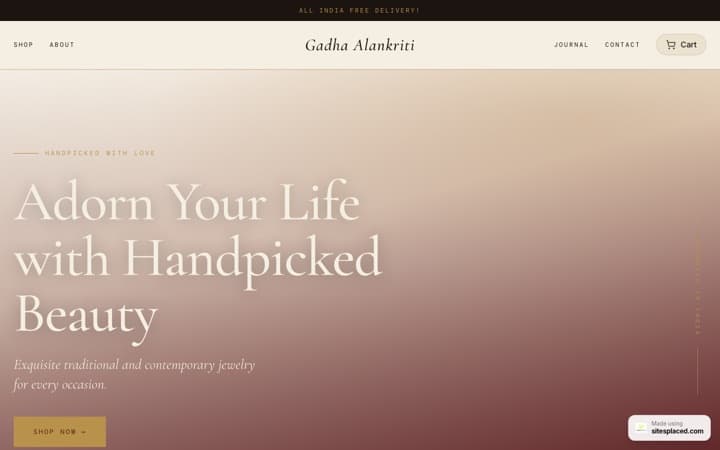
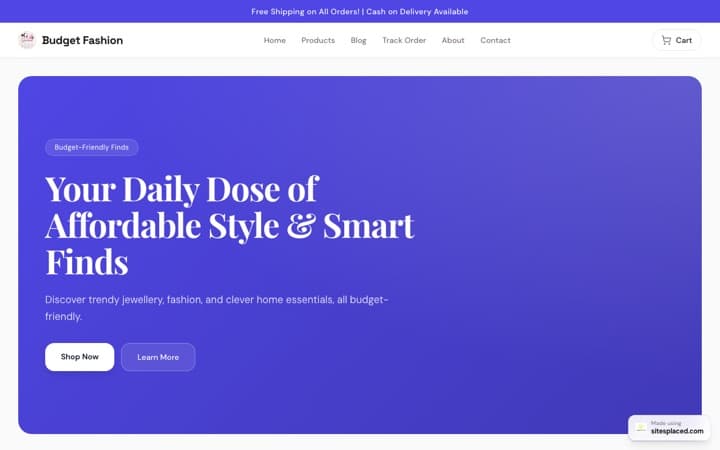
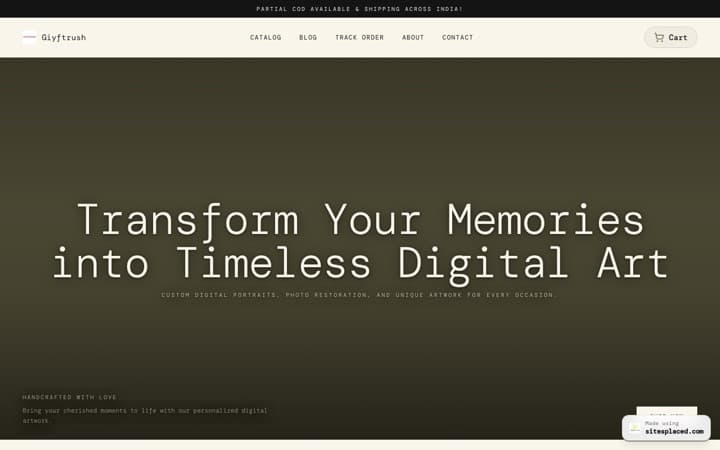
This is the actual portfolio our importer generated from a public GitHub username — bio, top-starred repos and tech stack pulled in automatically. The other cards show the same importer on different platforms.
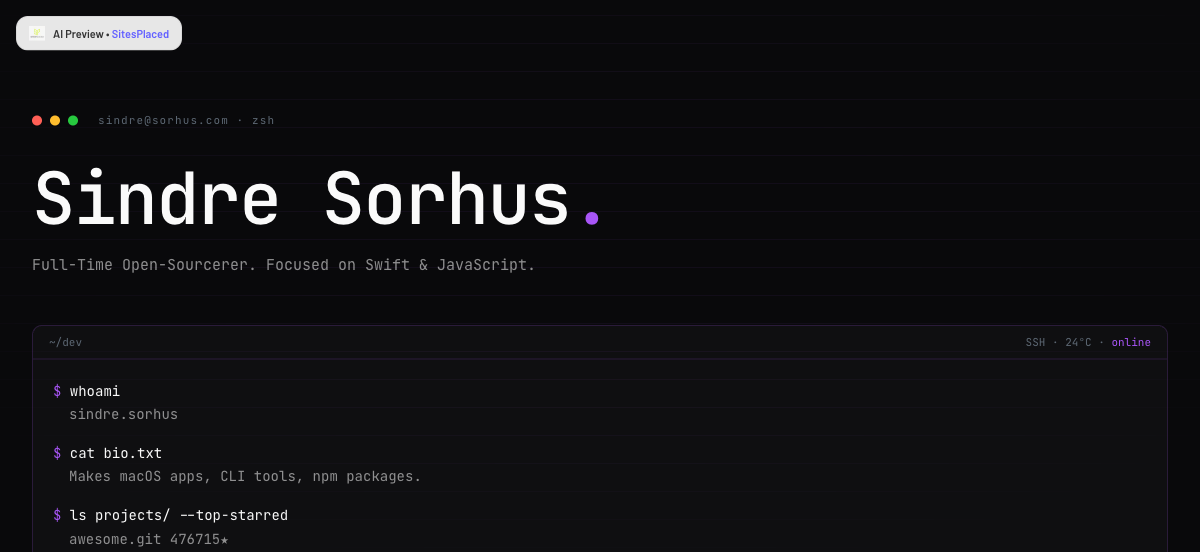
Bio, stack and top-starred repos turned into a terminal-style developer portfolio.
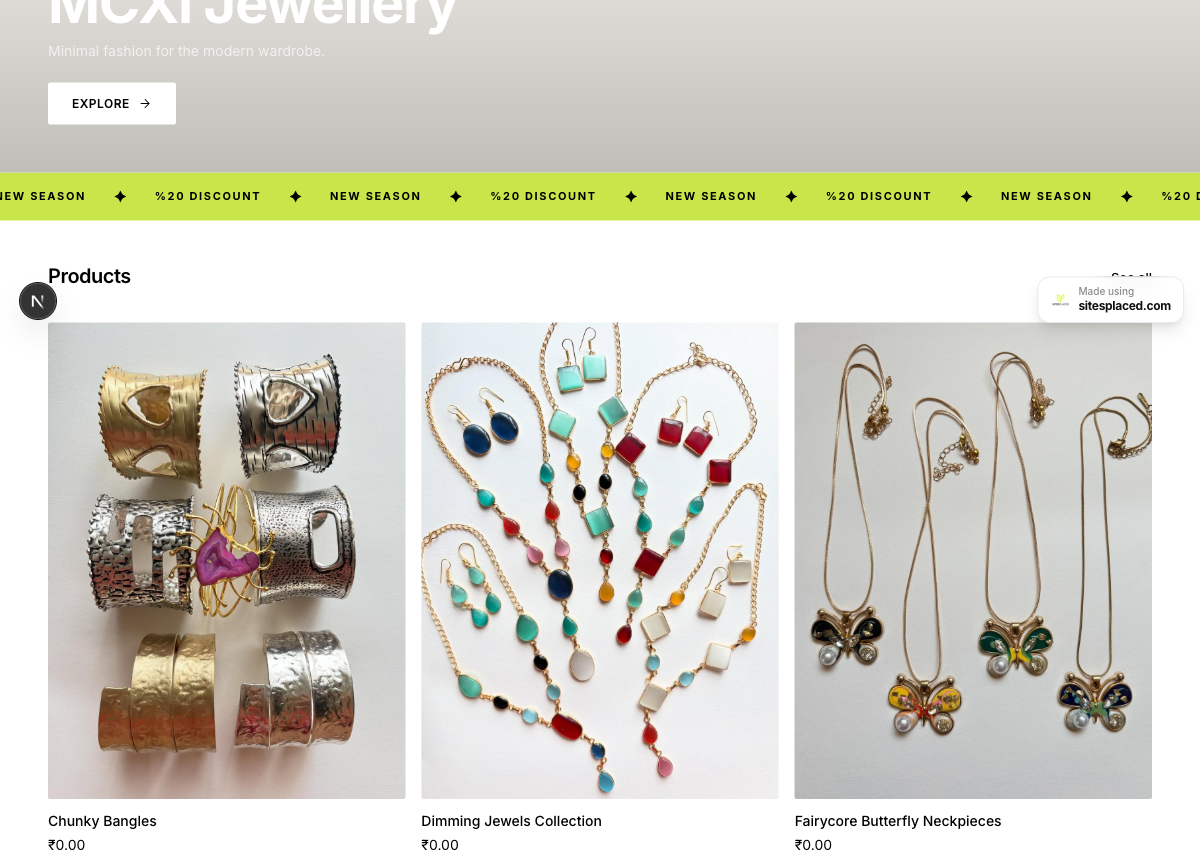
Bio, brand theme and 10 products pulled straight from her Instagram posts — a checkout-ready store.
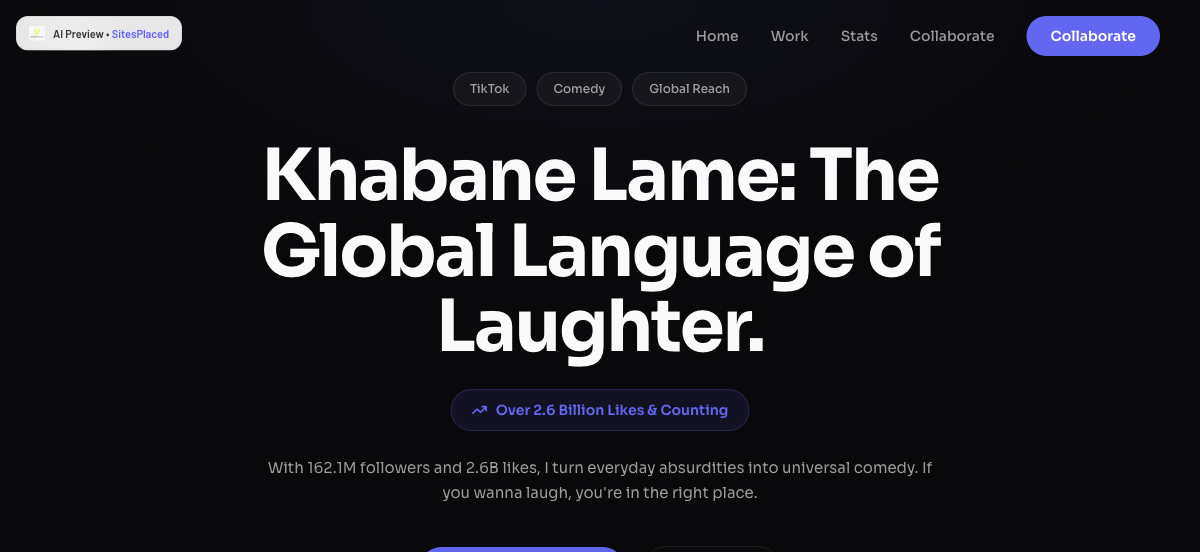
Bio, follower stats and video themes turned into a bold creator landing page.
How it works, step by step
Paste your GitHub username
Go to the importer and type your handle (e.g. sindresorhus). No login to your GitHub account needed — it reads your public profile.
We pull your public data
Bio, pinned and top-starred repos, languages and links are fetched and structured into portfolio sections in roughly a minute.
AI writes the copy
Each repo gets a human, readable description and your intro is rewritten so it sounds like a portfolio, not a README.
Tweak and publish free
Reorder projects, hide the side experiments, pick a theme — then publish free on a username.sitesplaced.com link, or add a custom domain.
What gets imported from your GitHub
| On your portfolio | Pulled from | Becomes |
|---|---|---|
| Your bio & headline | Your GitHub profile bio + name | A clean intro and one-line headline a recruiter reads first. |
| Projects | Your top-starred and pinned repos | Project cards with the description, stars, language and a live repo link. |
| Tech stack | The languages across your repositories | A skills/stack section — TypeScript, Python, Go, whatever you actually ship. |
| Links | Your profile's website, X and location | Contact + social links so people can reach you. |
| Avatar | Your GitHub avatar | Used as the portfolio's profile image. |
| Activity feel | Repo count and pinned work | A terminal-style layout that reads like a developer, not a template. |
Only public profile data is read. Private repos, contribution graphs and anything you haven't made public are never touched.
Why this beats a hand-coded portfolio
- It's actually finished. A half-built portfolio repo helps no one. This one ships live the same day, so the link in your résumé and LinkedIn actually works.
- It stays current. Re-run the importer when you ship something new and your latest projects flow in — no redeploy, no merge conflicts.
- Recruiters scan it, not your code. Most recruiters won't read your source. They want the stack, the projects and the stars in one glance — which is exactly the layout you get.
- You still control everything. Hide the throwaway repos, feature the one you're proud of, rewrite a description, change the theme. It's a starting draft, not a locked template.
Make it recruiter-ready in 5 minutes
- 1. Lead with 3 strong projects. Reorder so your best work is first; hide tutorials and forks.
- 2. Sharpen each description. Say what it does and the impact in one line — "real-time chat for 5k users", not "my chat app".
- 3. Add a one-line headline. "Backend engineer · Go & Postgres · open to 2026 internships" tells a recruiter everything fast.
- 4. Put your email and résumé on it. A link to a PDF résumé plus a clear contact line removes friction.
- 5. Use a custom domain if you can. yourname.dev reads more senior than a subdomain — optional, but it lands.
Frequently asked questions
How do I turn my GitHub into a portfolio?
Open the SitesPlaced importer, paste your GitHub username, and in about a minute it reads your public profile — bio, pinned and top-starred repos, and the languages you use — and generates a developer portfolio. Repos become project cards, your languages become a tech stack, and your bio is rewritten into a clean intro. You can then edit it and publish it free.
Which repos show up on the portfolio?
Your most relevant public repositories — pinned and top-starred work first — are turned into project cards with the description, primary language, star count and a link to the repo. You can hide, reorder or feature any of them after generation, so practice repos and forks don't have to appear.
Is it free for students?
Yes. Students build and publish a developer portfolio 100% free on SitesPlaced, including the premium templates and AI copy. The only optional charge is a one-time ₹99 (about $3 internationally) to remove the small SitesPlaced badge forever — no subscription, no renewal.
Does it need access to my GitHub account?
No. The importer only reads your public profile from your username, the same data anyone can see on github.com. You don't connect your account, install an app, or grant any permissions.
Can I edit the portfolio after it's generated?
Fully. The generated portfolio is a starting point — you can rewrite any text, reorder or remove projects, change the theme, add an About or resume section, and swap links. Everything is editable in the builder before and after you publish.
Will it look generic to recruiters?
It's built to read like a developer, not a fill-in-the-blanks template. The default is a clean, terminal-style layout with your real projects, real stars and real stack — the things a recruiter or hiring manager actually scans for. You can also pick a different premium theme to stand out.
Turn your GitHub into a portfolio now
Paste your username, get a recruiter-ready developer portfolio in about a minute, and publish it free. Students pay nothing; add a custom domain whenever you're ready.