

How to turn your Instagram into a website in about 30 seconds, free to publish
Your Instagram already has the bio, the photos, the products and the brand. This guide shows you the fastest way to turn all of that into a real website or online store you own — no code, no template hunting, and free to publish.
The short version: paste your Instagram handle at sitesplaced.com/import, choose a store or creator site, and an AI builds a full website from your profile in about 30 seconds. Edit anything you want, then publish free at yourname.sitesplaced.com with hosting and 0% commission. A custom domain is optional and starts at ₹199/month.
Step by step: Instagram → website
Open the importer
Go to sitesplaced.com/import. There's nothing to download and no account wall — you paste a profile and watch it build.
Paste your Instagram handle
Drop in your @handle or the full instagram.com/yourname URL. The importer reads your public profile — bio, profile photo, highlights and recent posts.
Pick store or creator site
Selling products? Choose store and it lays out a checkout-ready catalog. Building an audience? Choose a creator site with your links, content and a contact CTA.
Let the AI build the first draft
In about 30 seconds you get a full website: a matched theme, written copy, sections and (for stores) product cards pulled from your posts.
Tweak and edit
Swap photos, rewrite a headline, reorder sections, set prices. Everything is editable in a visual builder — no code.
Publish free
Hit publish and your site goes live at yourname.sitesplaced.com with hosting included and 0% commission. Add a custom domain later when you're ready.
See it on a real Instagram profile
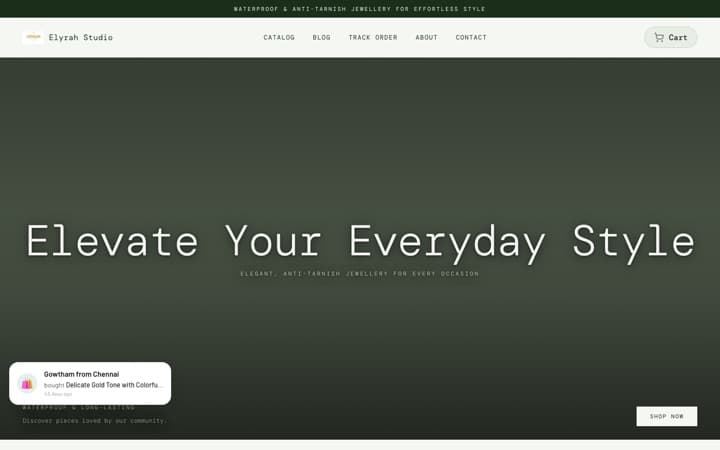
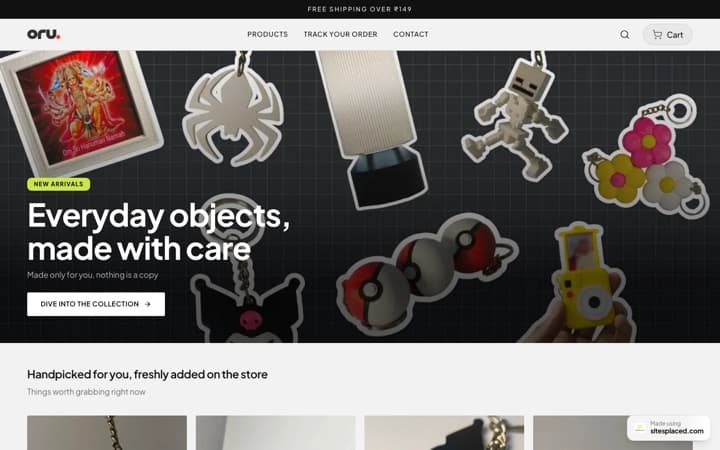
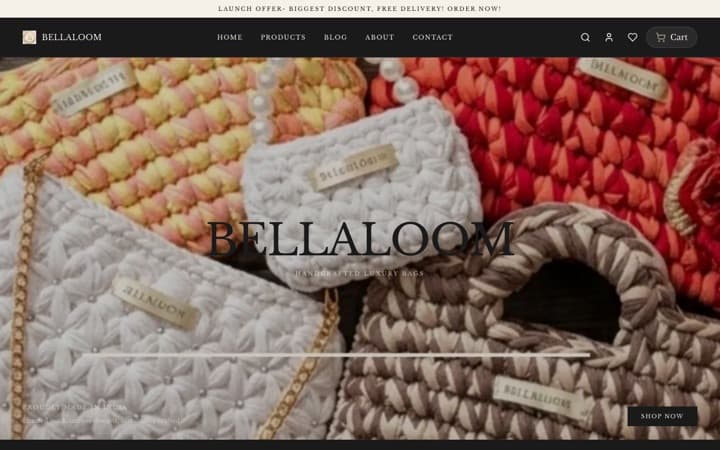
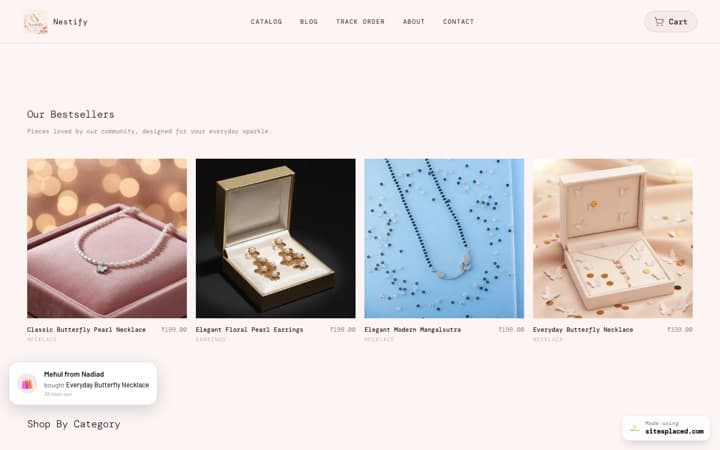
This isn't a mockup. We ran a real public Instagram profile through the importer and let it generate a checkout-ready store. Here's the before and after, alongside a couple of other platforms for comparison.
A real Instagram, turned into a real store
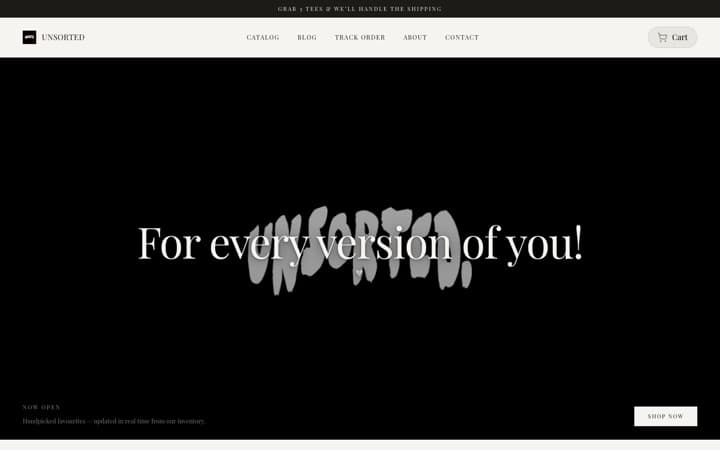
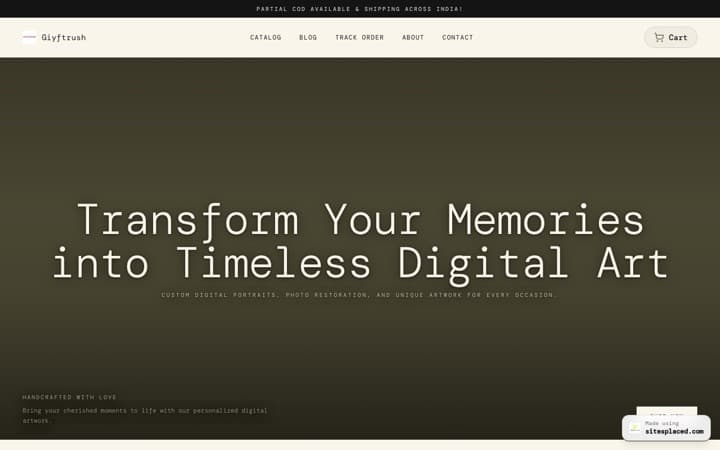
We ran our importer on a public Instagram jewellery shop. The first card is the actual store it generated — brand theme, products and copy pulled straight from the posts. The other two show the same flow on TikTok and GitHub.
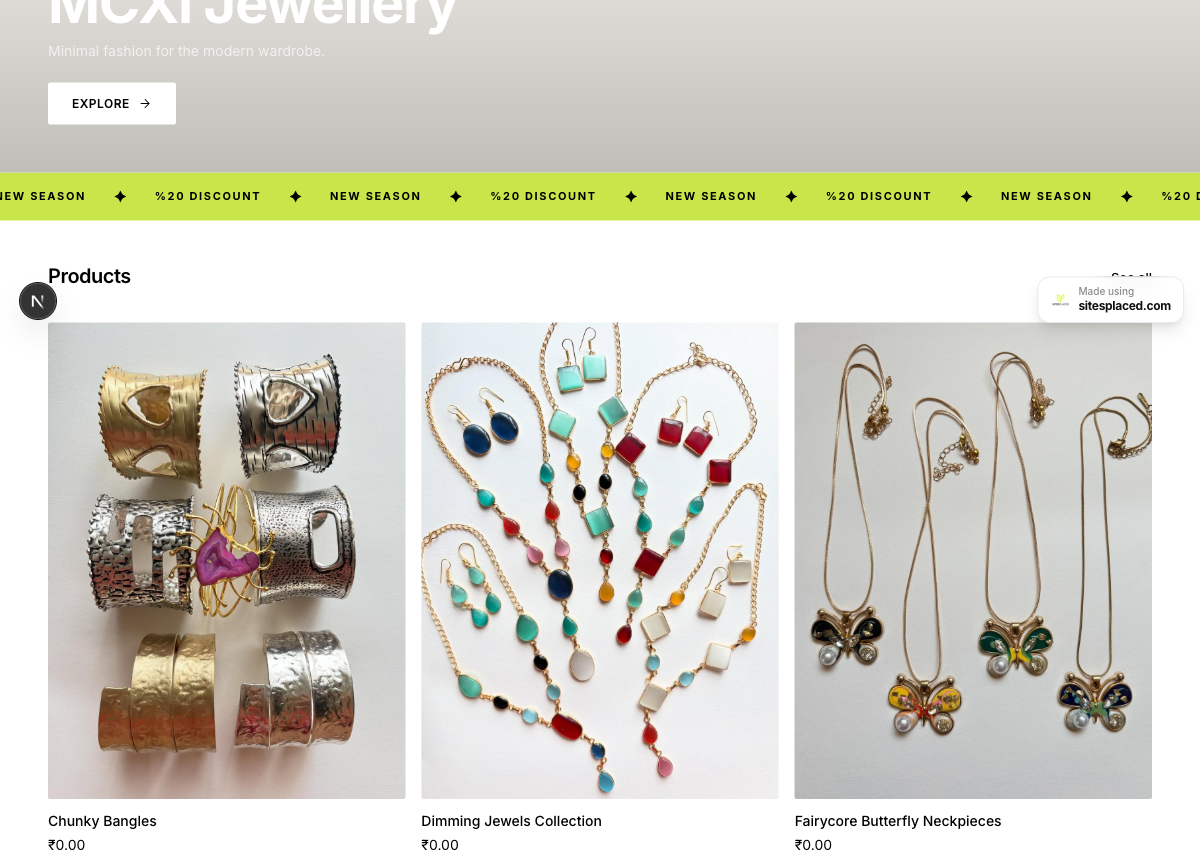
Bio, brand theme and 10 products pulled straight from her Instagram posts — a checkout-ready store.
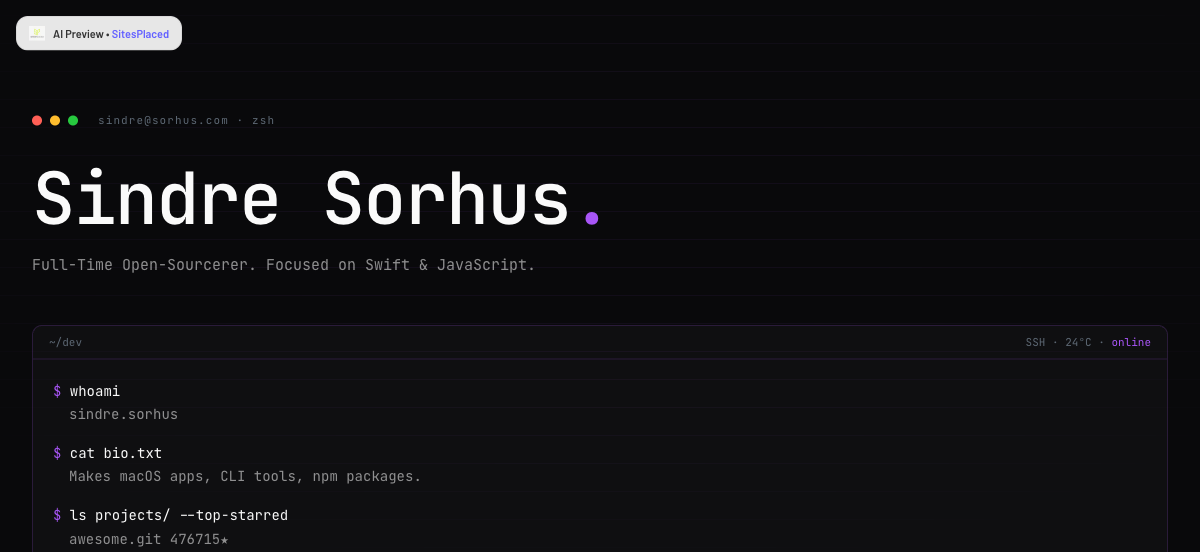
Bio, stack and top-starred repos turned into a terminal-style developer portfolio.
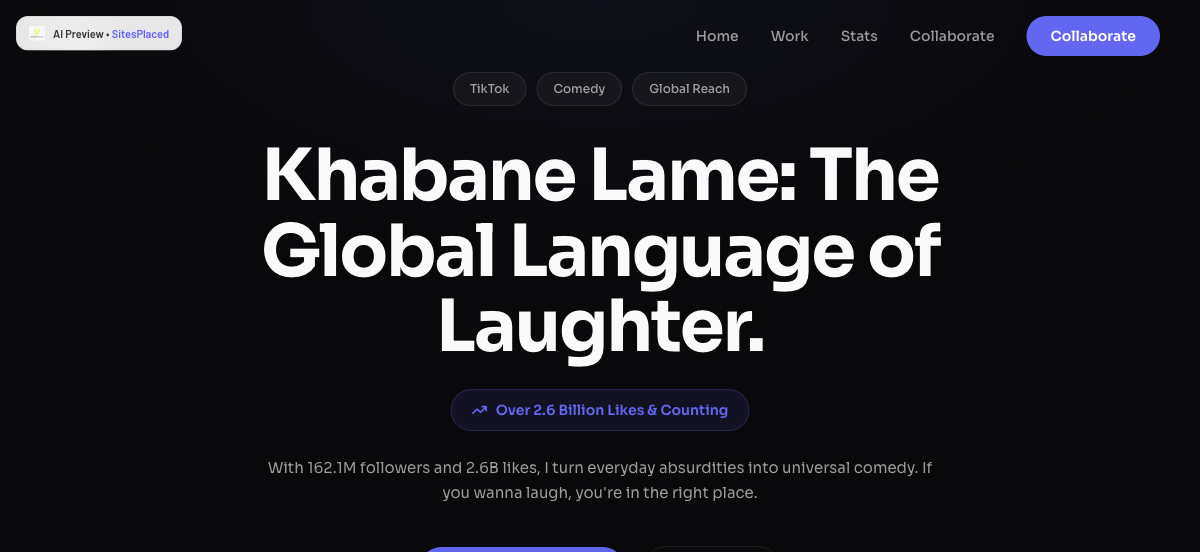
Bio, follower stats and video themes turned into a bold creator landing page.
What actually gets imported
Bio & brand voice
Your bio becomes your homepage intro and about copy, rewritten cleanly by AI.
Profile photo & visuals
Your avatar and post imagery seed the hero and gallery, so it looks like you on day one.
A matching theme
Colours and typography are picked to fit your vibe — minimal, bold, editorial — automatically.
Products (stores)
Recent product posts turn into real catalog cards with titles, descriptions and price fields.
Links & contact
Your link-in-bio and contact options become real buttons and a WhatsApp/email CTA.
Highlights & themes
Recurring content themes shape your sections so the structure matches what you actually post.
The importer reads only your public profile from your handle — you never connect your account or share a password.
Store vs creator site — which output do you want?
| Store | Creator site | |
|---|---|---|
| Best for | Sellers — products, drops, services | Creators, coaches, freelancers, brands |
| Built from posts | Product catalog with prices | Hero, gallery, links, about, CTA |
| Payments | UPI, COD, WhatsApp, Razorpay, Shiprocket — 0% | Contact + booking buttons |
| Free to publish | Yes | Yes |
Not sure? Start with a creator site — you can add a store later from the same dashboard without rebuilding anything.
What it costs
Building and publishing are free. Your Instagram-generated site goes live at a yourname.sitesplaced.com URL with hosting included and 0% commission — you can take orders or share your link the same day. You only pay when you want a custom domain (yourname.com) and to remove the small SitesPlaced badge: ₹199/month ($7.99) for a personal or creator website, ₹499/month ($14.99) for a full online store. That's it — no transaction cuts, no paid add-ons for the basics.
Frequently asked questions
How do I turn my Instagram into a website?
Go to sitesplaced.com/import and paste your Instagram handle. The importer reads your public profile — bio, profile photo and recent posts — and in about 30 seconds builds a full website or store with a matched theme and AI-written copy. You then edit anything you like in a visual builder and publish free at yourname.sitesplaced.com. No code and no design skills are needed.
Is it free to turn Instagram into a website?
Yes. Building and publishing are free on SitesPlaced — your Instagram-generated site goes live for free at a yourname.sitesplaced.com URL with hosting included and 0% commission on store sales. You only pay if you want a custom domain (yourname.com) and to remove the small SitesPlaced badge: ₹199/month ($7.99, Starter) for a website or a full online store.
What gets imported from my Instagram?
The importer pulls your bio (turned into your homepage and about copy), your profile photo and post imagery, your link-in-bio and contact options, and your recurring content themes. For sellers, recent product posts become real catalog cards with titles, descriptions and price fields. It uses only your public profile information.
Can I make an online store from my Instagram?
Yes. When you choose the store option, SitesPlaced lays out a checkout-ready catalog from your product posts. The free store supports UPI, COD, WhatsApp checkout, Razorpay and Shiprocket with 0% commission, so you can take orders the day you publish. We did exactly this for @mcxi.in — Instagram to a jewellery store in about 30 seconds.
Do I need to connect my Instagram account or give a password?
No. The importer only reads your public profile from your handle — you never connect your account or share a password. If your profile is private, make it public temporarily or simply paste in your details and the builder will work from those instead.
How long does it take?
The first draft generates in roughly 30 to 60 seconds. Most people then spend a few minutes swapping a photo or two, adjusting prices and rewriting a headline before publishing. You can be live in under ten minutes.
Turn your Instagram into a site now
Paste your handle, watch it build in 30 seconds, and publish free. Add a custom domain whenever you're ready.