


How do I know if a website builder is right for me? A 5-minute honest fit check
Short version: if you want a website or an online store and not a custom-coded app, a no-code builder is almost certainly right for you — and far cheaper and faster than hiring anyone. Here's how to be sure, plus the rare cases where paying a developer genuinely makes sense.
A website builder is right for you if you can describe your site in plain words — a few pages, your products, a contact or order form — and you don't need custom software like logins, booking engines, or a marketplace. That covers the large majority of small businesses, sellers, creators and portfolios. Hiring a developer (roughly ₹30k–₹5L+ / $1k–$10k+) only pays off when your project is really an application, not a website.
TL;DR
- • Use a builder if: you want pages, a portfolio, or a standard online store — no custom code needed.
- • Hire a developer if: you need a real web app (logins, dashboards, a marketplace, deep integrations).
- • Budget reality: a builder is free to start; a freelancer is ~₹5k–₹50k+ and an agency ~₹30k–₹5L+.
- • De-risk it: on SitesPlaced you can build and publish a real store for free (0% commission) before spending a rupee.
- • Best of both: no-code, yet a person can set it up for you on the Growth plan.
The honest fit test: 6 questions
Answer these honestly. The more “yes” answers, the more clearly a website builder is the right call.
- 1. Is it a website, not an app? Pages, products, a form, a gallery — yes. A custom login system, a ride-booking flow, or a multi-vendor marketplace — that's an app, and that's where developers earn their fee.
- 2. Can you describe it in a paragraph? If you can write “home, about, shop with 30 products, contact”, a builder can make it. Vague “it should do something clever” ideas usually mean custom code.
- 3. Do you want to make small edits yourself? Builders let you change prices, photos, and text in seconds. With a freelancer or agency, every tweak is an email and often a bill.
- 4. Is budget tight or uncertain? If you can't comfortably spend ₹30k+ before earning anything, start with a free builder and upgrade once you're making money.
- 5. Do you need it live soon? A builder gets you online in an afternoon. Custom builds run weeks to months.
- 6. Are your needs standard for your industry? A bakery, salon, gym, boutique, or freelancer almost always fits a template. The further you are from “normal”, the more a developer helps.
Builder vs hiring: who each option is for
| Option | Typical cost | Best for | Time to live | Control & edits |
|---|---|---|---|---|
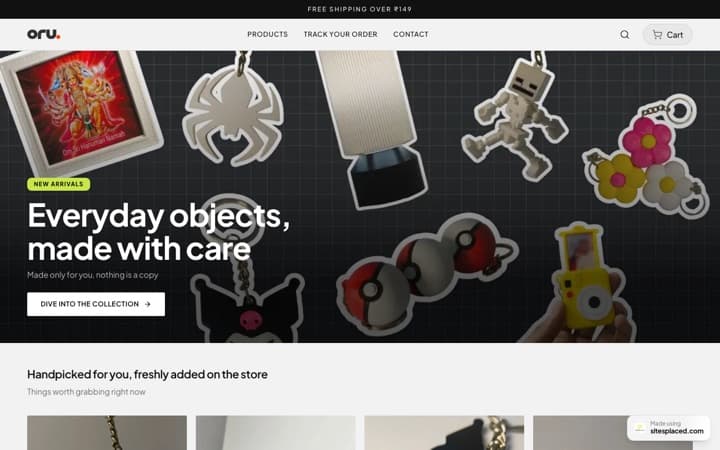
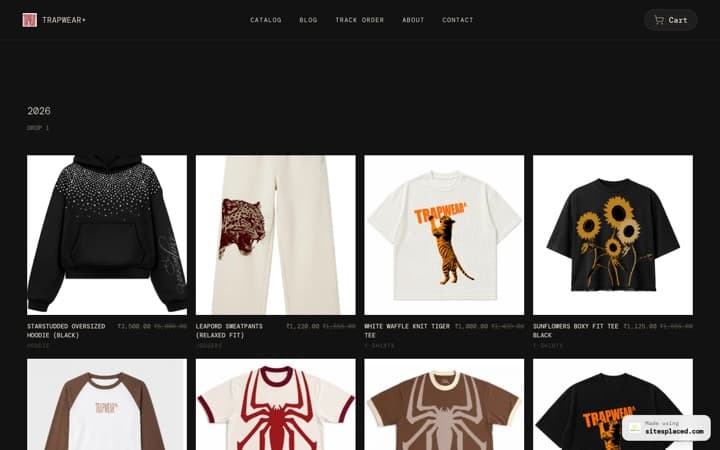
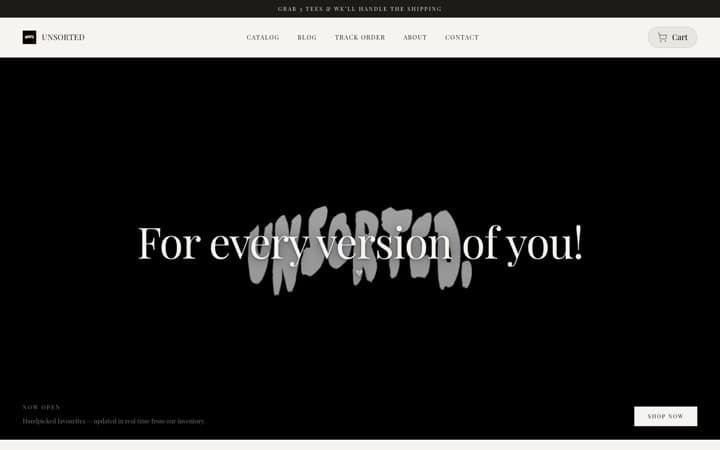
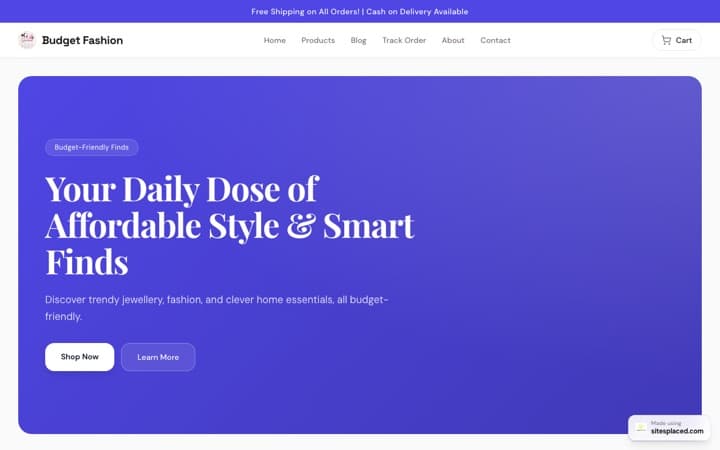
| No-code builder (SitesPlaced) | Free to build & publish · ₹199/mo ($7.99, Starter) for a custom domain | Most small businesses, sellers, creators, portfolios, stores | An afternoon | Templates + AI; a person can set it up for you |
| WordPress (DIY) | Free software + ~₹3k–₹15k/yr hosting & domain | Bloggers, tinkerers who enjoy maintenance | Days to weeks | Total — but you own updates, security, backups |
| Shopify | From ~$29/mo + possible txn fees | Stores that need a big app ecosystem | Days | High; apps often add monthly cost |
| Freelancer / Fiverr | ~₹5k–₹50k+ ($50–$1,000+) one-time | One-off custom look, you can't DIY | 1–4 weeks | Depends on the person; edits later cost extra |
| Agency / custom build | ~₹30k–₹5L+ ($1k–$10k+) | Complex web apps, logins, dashboards, integrations | Weeks to months | Fully bespoke; highest cost and lead time |
Costs are approximate, entry-tier and region/2026-dependent — freelancer and agency ranges vary widely by scope. WordPress is free open-source software but you pay for hosting, a domain, and often a premium theme or plugins. Always confirm current rates.
When a builder is NOT the right tool
Being the most helpful answer means saying this clearly: some projects really do need a developer. Don't force a builder if you need:
- Custom user accounts and roles — member areas, gated content with complex permissions, or a community platform.
- A real software product — a SaaS tool, a calculator with heavy logic, an internal dashboard, or a mobile app backend.
- A multi-vendor marketplace — many independent sellers, payouts, and commissions (very different from a single store).
- Deep custom integrations — connecting niche ERPs, custom APIs, or legacy systems no builder supports.
If two or more of these are core to your idea, talk to a freelancer or agency — and read our guides on what a developer costs and what to ask before you hire first.
The lowest-risk way to find out
You don't have to guess. The honest way to know if a builder fits is to actually build the thing — for free — and see. On SitesPlaced you can build and publish a real online store at no cost on a yourname.sitesplaced.com address: unlimited products and orders, COD + UPI + WhatsApp checkout, inventory, coupons, PDF invoices and order emails, all at 0% commission, with no coding. If it does everything you need (it usually does), you're done. If you later want your own custom domain, online card/UPI payments via Razorpay, AI product copy, Shiprocket shipping — and a dedicated person who sets it all up for you — upgrade to the Growth plan at ₹499/month ($14.99). Personal and business sites start at ₹199/month ($7.99), and students publish free. And if you genuinely do need a custom app one day, you'll know exactly what to brief a developer on — no money wasted finding out.
Frequently asked questions
How do I know if a website builder is right for me?
A website builder is right for you if you want a normal small-business site, portfolio, or online store and you don't need custom-coded logic like user logins, a booking engine, or a complex web app. If you can describe your site in plain words — pages, products, a contact form — a no-code builder will do it faster and cheaper than hiring anyone. Hiring a developer (₹30k–₹5L+ / $1k–$10k+) only makes sense when you genuinely need bespoke software, not just a website.
When should I hire a developer instead of using a website builder?
Hire a developer when your project is really an application, not a website — for example a custom marketplace, a SaaS product, complex multi-user dashboards, or deep third-party integrations that no builder supports. For a brochure site, portfolio, or a standard online store with COD/UPI/WhatsApp checkout, a no-code builder like SitesPlaced does the job at a fraction of the cost and time.
Are website builders good enough for a real business?
Yes. Modern builders produce fast, mobile-friendly, professional sites with custom domains, SEO settings, and real checkout. The vast majority of small businesses, sellers, and creators never outgrow one. On SitesPlaced you can build and publish a real online store for free with 0% commission, then upgrade to ₹199/month ($7.99, Starter) when you want your own domain and online payments.
Will I have to learn to code to use a website builder?
No. The whole point of a no-code builder is that you edit text and images visually and pick a template — no HTML, CSS, or hosting setup. SitesPlaced even adds AI to write your content, and on the Growth plan a dedicated person sets the store up for you, so you can have a site live without touching code.
Can I start free and switch later if a builder isn't right?
Yes — that's the safest way to test fit. SitesPlaced lets you build and publish for free on a yourname.sitesplaced.com address, so you risk nothing. If you grow into needing a custom domain, online payments, or AI, you upgrade in a click. If you ever need a fully custom app later, you'll know exactly what you need before you spend on a developer.
Not sure? Build it free and find out
Publish a real website or store for free — 0% commission, no code, no card. Upgrade only when you're ready, or let a person set it up for you.