

Portfolio Link
in Your Resume. A Students' Guide.
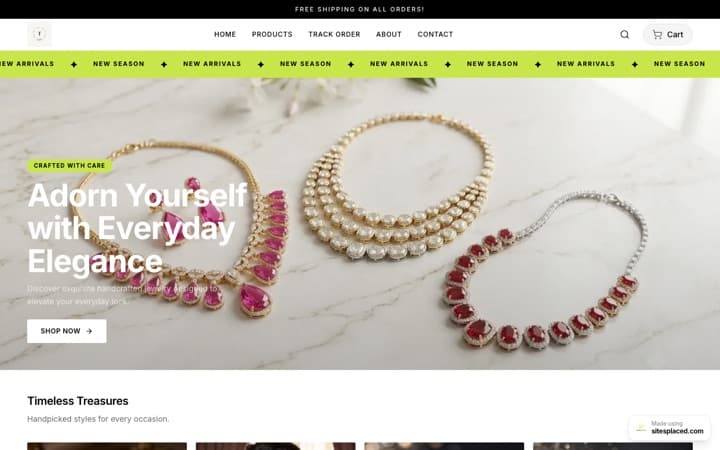
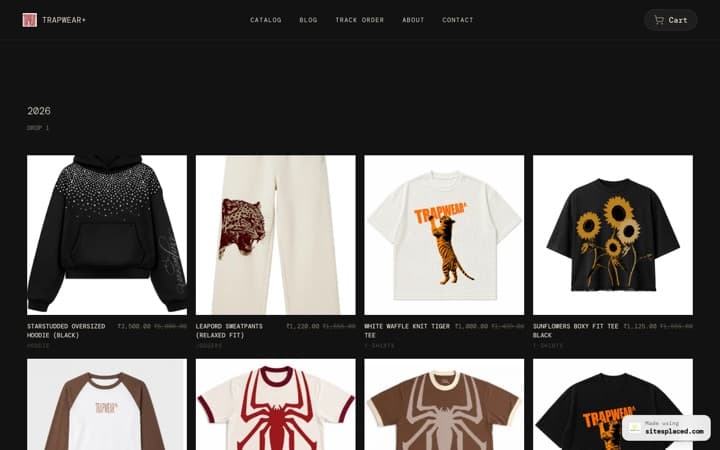
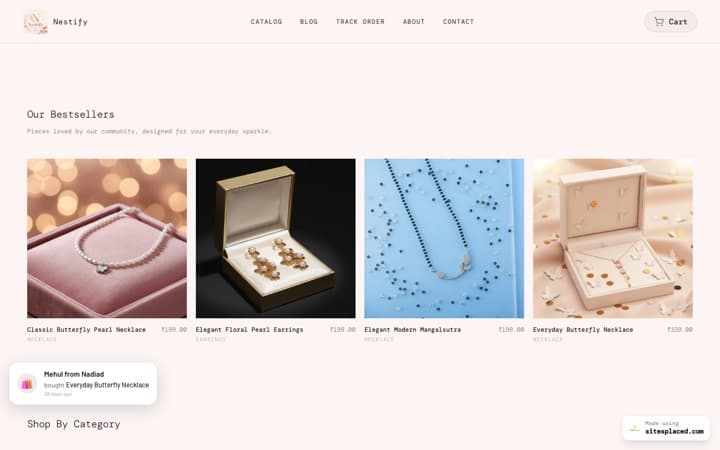
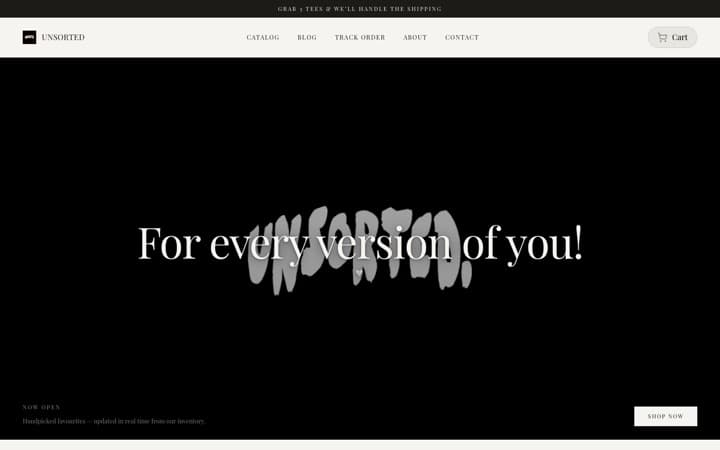
Recruiters scan a student resume in 6.4 seconds. The ones with a portfolio link in the header get a second 60 seconds. The ones without get a 'next.' Here's how to add a portfolio link the right way — where to place it, what to write, and what NOT to do. And good news: your SitesPlaced portfolio is free to publish.
Update — May 2026: Student websites are now free to publish on SitesPlaced, including the premium Tesla, Apple, BMW M, Uber and Meta-style portfolios. No plan, no card. The ₹99 Student plan is now optional — it only adds a custom domain and removes the badge.
Place your portfolio URL in the resume header — same line as your email and phone. Use a clean domain (yourname.com or yourname.sitesplaced.com), not a long auto-generated URL. Match the URL on your portfolio, LinkedIn, and email signature for credibility. Build a portfolio free in 5 minutes on SitesPlaced — no plan needed. The optional ₹99 Student plan adds a custom domain (yourname.com) if you want one.
Where exactly to place the portfolio link
Your portfolio link belongs in the resume header — the same band where your name, email, and phone live. Place it as the third or fourth item, not buried in a 'Links' section at the bottom.
- Recruiters skim from the top down — first 6 seconds are the header.
- The portfolio link is on the same line as the email — they're already reading there.
- Custom domain (aanya.com) signals investment in self-presentation.
5 things NOT to do with your portfolio link
Don't use a long URL
alex-johnson-portfolio-2024-final-v3.netlify.app screams 'temporary side project.' Use yourname.com or yourname.sitesplaced.com — short, memorable, professional.
Don't bury it at the bottom
A 'Links' section at the bottom of page 2 is where portfolio links go to die. Header band, top of page 1.
Don't use a Notion / Google Doc
A Notion page is not a portfolio. It signals 'I didn't bother to make a real one.' Notion is great for notes — bad for first impressions.
Don't link to a 404
Test your URL the day you submit. If your domain expired or your hosting lapsed, you've actively damaged your application.
Don't link to a private GitHub
If recruiters click and hit a 'sign in to view this private repo' page, it's worse than not having a link. Make repos public or link to a public portfolio.
5 student resume header examples that work
Short personal domain (alex.dev). GitHub right next to portfolio. LinkedIn last because recruiters check it last.
Custom domain front-and-center. Read.cv as a CV mirror. Twitter handle for taste-signaling.
Domain (.studio TLD signals creative practice). Are.na for visual research; faculty members increasingly read these.
TLD chosen for the discipline (.films). Vimeo for reels. IMDb if you have credits — even one credit counts.
Institutional email + personal domain. Scholar and OpenReview are required reading for faculty review.
Should you use a custom domain?
For final-year placement candidates, M.Tech / MS / PhD applicants, and serious internship hunters: yes, get a custom domain. A domain like yourname.com or yourname.dev signals two things — that you've thought about your professional presence, and that you take this seriously.
For first/second-year students still iterating on what they want to do: the free yourname.sitesplaced.comsubdomain is perfectly fine — it's a clean, professional URL you can put on your resume today, at no cost. You can connect a custom domain later without losing any content.
The optional ₹99 Student plan on SitesPlaced adds custom domain support — so you can connect yourname.comif you want it. Publishing itself is always free. If you don't have a domain yet, GoDaddy / Namecheap sell .com domains for ~₹800/year. .dev domains run ~₹1,200/year.
Beyond the resume — where else to add the link
LinkedIn header
Put your portfolio URL in the LinkedIn 'About' section's first line. It often shows in search snippets.
Email signature
Three lines: name, role/year, portfolio URL. Every email you send to recruiters carries it.
Application emails
Above your résumé attachment: 'Portfolio: yourname.com'. Most recruiters open the URL before the PDF.
GitHub README profile
Add your portfolio URL to your GitHub profile README. Recruiters often land there first when reviewing CS applicants.
Twitter / X bio
If you have a public Twitter, the URL slot is free real estate. Especially valuable for design and creator portfolios.
Job board profiles
Naukri, Internshala, AngelList, Wellfound — every job board has a portfolio URL field. Fill it in.
Frequently asked questions
Do I need a paid plan to get a portfolio URL for my resume?
No plan needed — publishing any student site is completely free, including the premium templates. You get a live yourname.sitesplaced.com URL at no cost. The optional ₹99 Student plan only adds a custom domain (yourname.com) and removes the small SitesPlaced badge.
What if I don't have any projects yet?
Even a single 1-page portfolio with your bio, education, and one course project beats a resume without a link. Build it first, fill it in over time.
Should the portfolio link be hyperlinked or plain text?
Both. Hyperlink it (so it's clickable in PDF readers), and keep it readable as plain text (so it's still legible if printed).
Should I shorten my URL with bit.ly?
No. Recruiters distrust shortened URLs (suspicious tracking, can hide phishing). Use the full domain — yourname.com is shorter than any bit.ly link anyway.
What URL should I use if I have a hyphen in my name?
Pick a stable variant: 'firstnamelastname.com' usually works. If you go by a nickname professionally, use that. Consistency matters more than which exact form.
Can I have different portfolios for different roles?
You can — but maintain only one canonical link in your resume. If you want role-specific landing pages, use anchors (yourname.com#design vs yourname.com#research) or sub-pages.
How often should I update my portfolio?
After every major project, hackathon, internship, or paper. At minimum, once per semester. SitesPlaced's editor takes <2 minutes to update — there's no excuse for a stale portfolio.
Get the link — free. Add it to your resume. Land the call.
Build a recruiter-ready portfolio in 5 minutes and publish free — you get a live yourname.sitesplaced.com URL at no cost. Optional ₹99 Student plan adds a custom domain (yourname.com) + badge removal.
Publishing is free · ₹99 optional plan for custom domain + no badge